

The Photos app on your iPhone automatically creates Memories — those little slideshow movies set to music that appear under “For You.” They are delightful, but they are also at the mercy of Apple’s algorithms: you get the Memories it chooses, from the moments it picks. What if you want a Memory of something specific — a birthday weekend, a road trip, your dog’s greatest hits?
Good news: you do not have to wait for Apple to make one for you. You can build a custom Memory from any photos and videos you choose. The trick is to gather them in an album first, then let Photos turn that album into a slideshow you can customize and export as a video. Here is how.
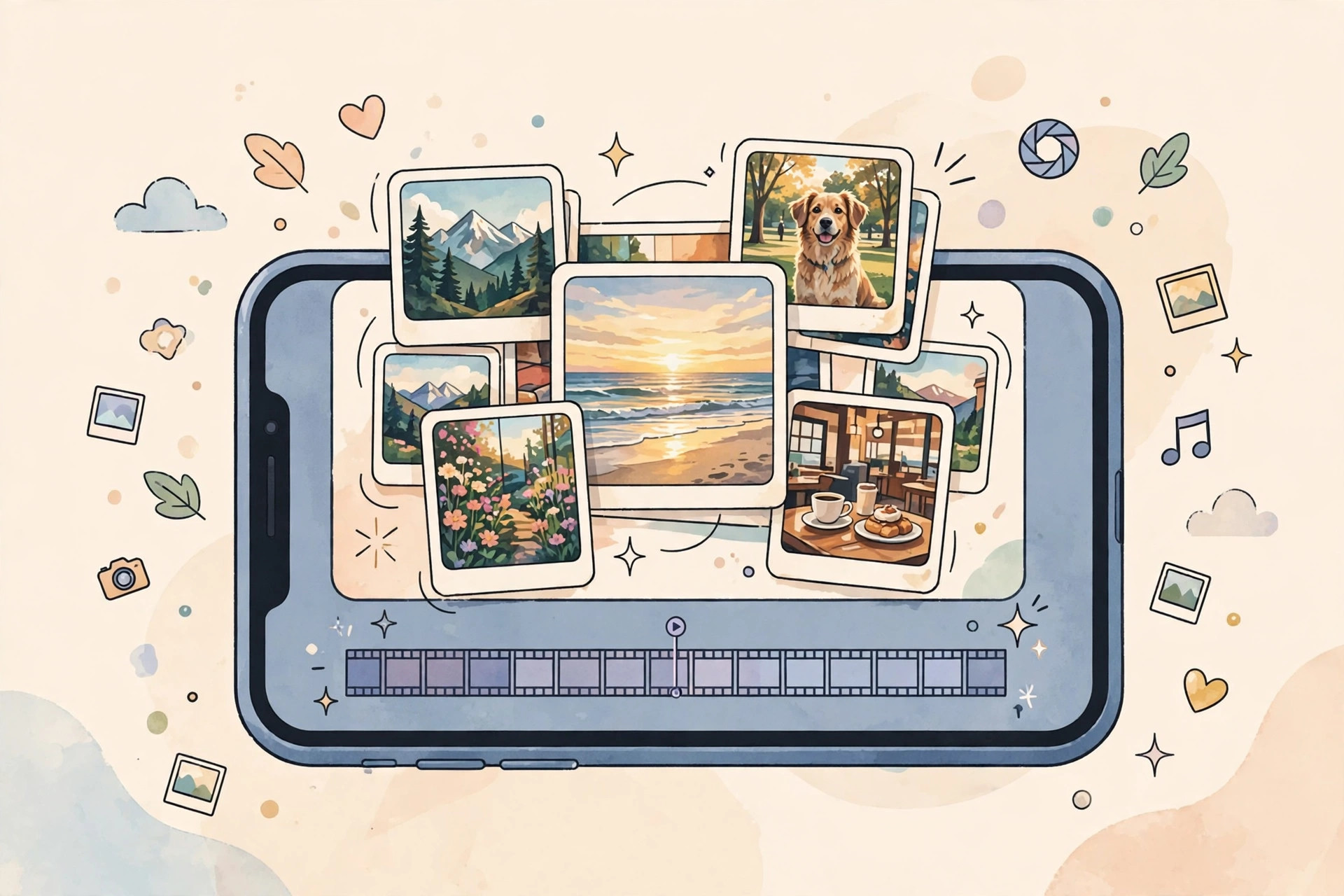
How to build a custom Memory
- Open the Photos app on your iPhone.
- Tap Select in the top-right corner, then tap every photo and video you want in your Memory. Do not be shy — a good Memory needs a decent number of items to feel like a slideshow rather than a single picture.
- Tap the Share button, then choose Add to Album. Tap New Album, give it a name (this becomes the Memory’s working title), and save. Your selected items are now gathered in one place.
- Go to the Albums tab and open the album you just created.
- Tap the large preview tile at the top of the album. Photos will generate a Memory slideshow from everything inside, complete with transitions and music.
- Customize it to taste. While the Memory plays, tap it to reveal the controls: you can edit the title, try different visual filters and moods, swap the soundtrack for another song, and remove any photo or clip that does not fit.
- When you are happy with it, tap the Share button and choose Save Video. The Memory is exported as a regular video file into your photo library — ready to watch, share, or post anywhere.
If it still doesn’t work
A Memory needs something to work with — if your album holds only one or two items, the result will feel thin, so add more photos and videos and regenerate. If the preview tile does not generate a Memory, give iCloud Photos a moment to sync (on a slow connection the album contents can lag behind), and make sure your iPhone runs the latest iOS. Removing and re-adding an item can also nudge Photos into rebuilding the slideshow.
Frequently asked questions
Can I use my own music in a Memory?
Yes. While editing your Memory, you can replace the automatically chosen soundtrack with a song from your own library. Pick something that matches the mood — it makes a huge difference to the final video.
Will the exported video keep full quality?
Yes. The saved video is rendered from your original photos and clips, so it looks as sharp as the source material. It is stored as a standard video file in your library, so you can share it to any app without quality surprises.
Conclusion
You do not need to wait for Apple to surprise you with a Memory — build your own from exactly the moments you want to relive. Pick your photos, gather them in an album, generate the slideshow, tweak it, and export the video. It takes a couple of minutes and the result is uniquely yours. You may also like our guides on how to take HDR screenshots on iPhone and iPad, why Spatial photo mode isn’t working in iOS 26, and how to disable quick camera launch from the iPhone Lock Screen.
Sources: Apple Support, MacRumors, 9to5Mac.





