
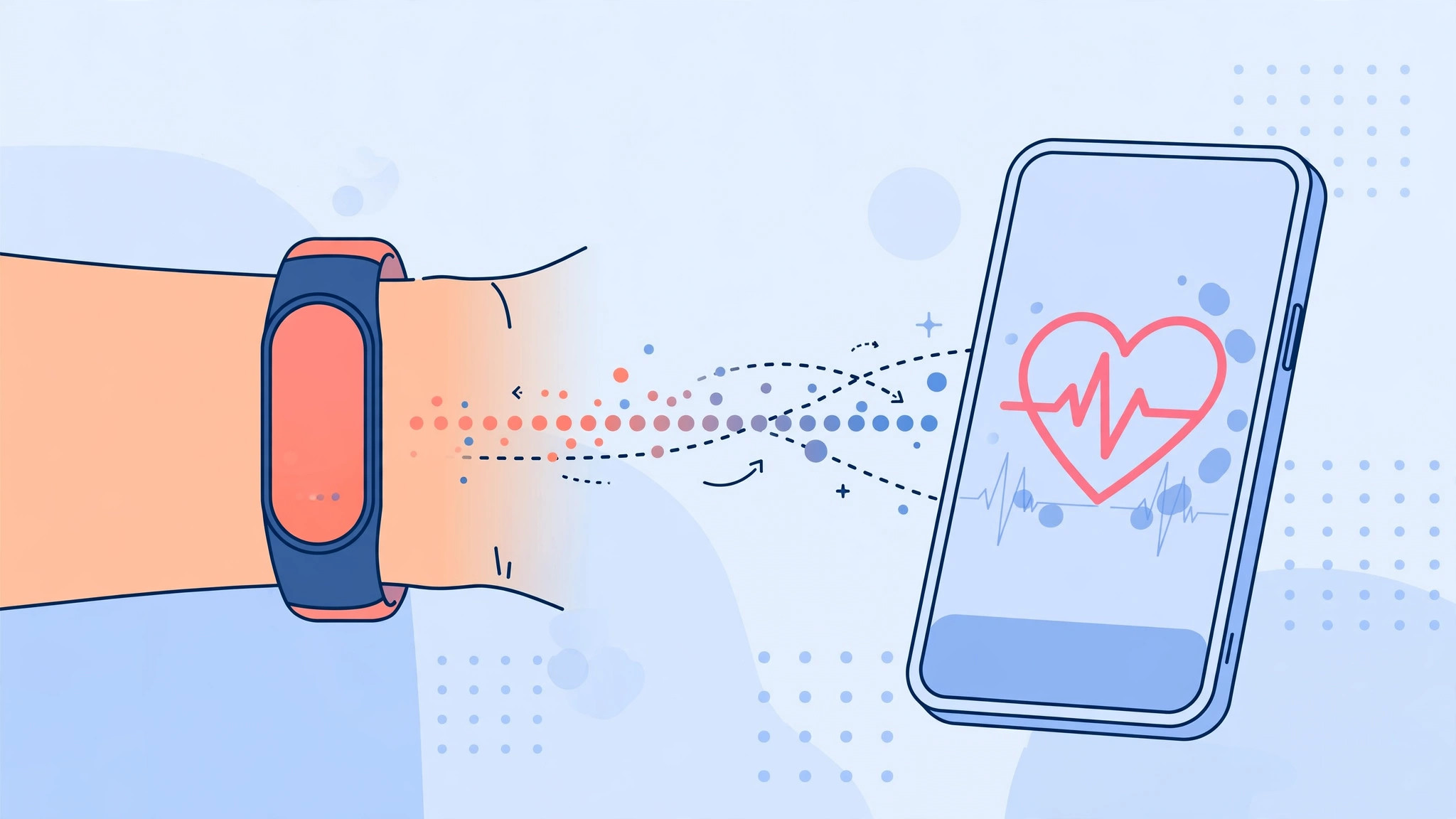
Your fitness band already counts your steps, logs your workouts, and keeps an eye on your heart rate and sleep — but all of that data is only half as useful when it is locked inside a separate app. If you carry an iPhone, the natural home for your health data is Apple’s Health app, which pulls together activity, heart, and sleep trends in one dashboard and shares them with the other wellness apps you use.
The good news is that you do not need an Apple Watch to feed data into Apple Health. Most popular fitness bands — including models from Xiaomi, Amazfit, Huawei, and Honor — can push their readings into the Health app through their companion apps. Setup takes just a few minutes and comes down to three things: pairing the band with its own app, switching on Apple Health sync inside that app, and granting the right permissions on your iPhone.
How to connect your fitness band to Apple Health
The exact menu names vary slightly between companion apps, but the overall flow is the same whichever band you own. Work through these steps in order:
- Install the band’s companion app and pair the band. Download the app made for your band — Mi Fitness or Zepp for Xiaomi and Amazfit bands, Huawei Health for Honor and Huawei bands — then open it, sign in or create an account, and follow the prompts to connect the band over Bluetooth. Keep the band charged and close to your iPhone while pairing.
- Turn on Apple Health sync inside the companion app. Open the app’s settings or integrations section — usually found under Profile, Settings, or an area called Third-party integrations or Data sharing — and switch on syncing with Apple Health. This tells the companion app to forward the data it collects to Apple’s Health app.
- Allow the companion app to write data on your iPhone. On the iPhone, go to Settings > Apps > Health > Data Access & Devices, tap the companion app’s name, and allow it to write the categories you want: steps, workouts, heart rate, and sleep. Without these permissions, nothing flows through even when sync is switched on.
- Confirm the data in the Health app. Open Apple’s Health app and check the relevant sections — Activity for steps and workouts, Heart for heart rate, Sleep for sleep analysis. Your band’s readings should start appearing after the next sync.
- Force a manual sync if data is missing. Companion apps often push data to Apple Health only when you open them, so launch the app, pull down to refresh if it offers that gesture, and give it a minute. Then double-check the permissions from step 3 — a denied category is the most common reason for missing data.
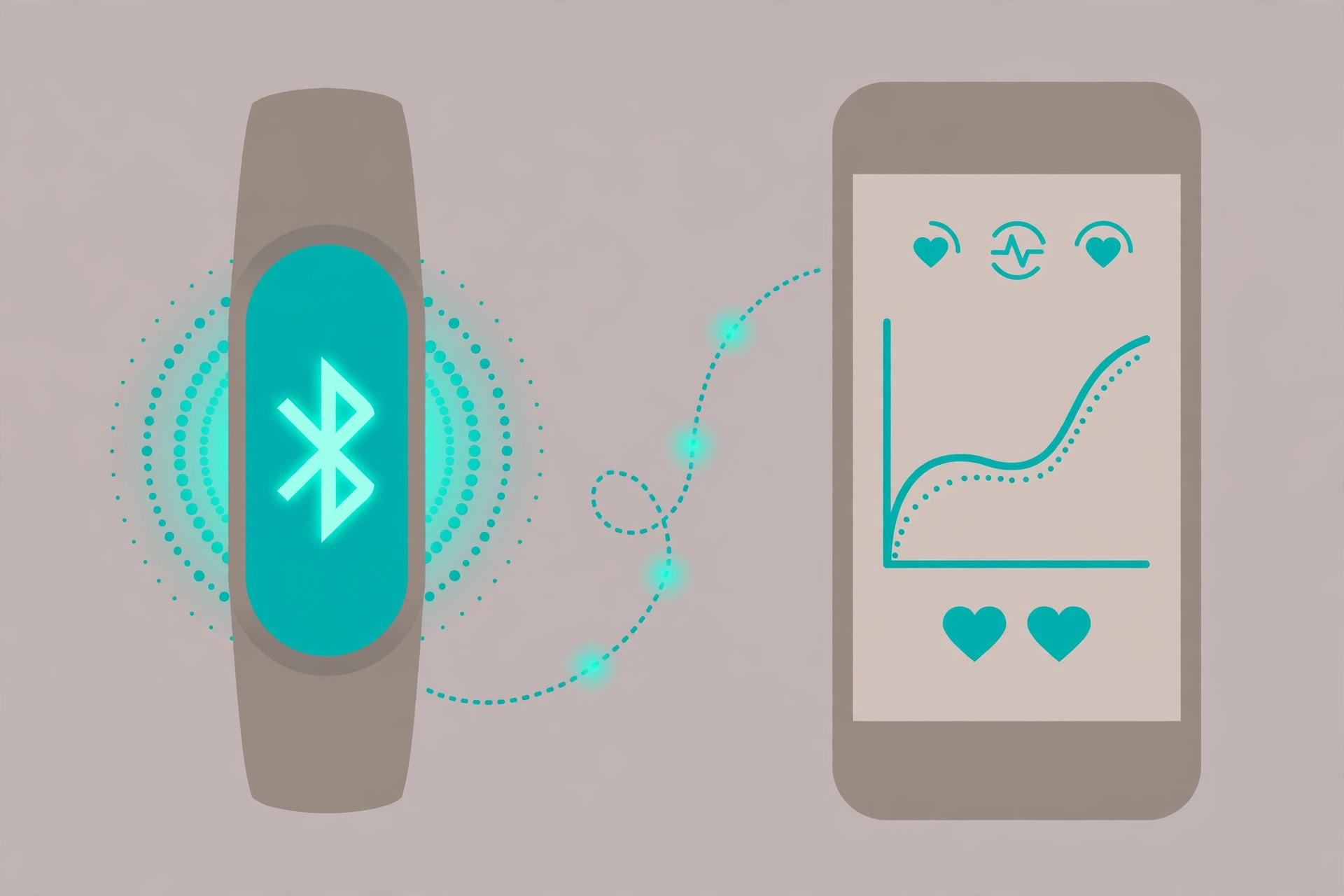
Once the pipeline is flowing, your band’s data sits alongside everything else in the Health app, which makes long-term trends far easier to spot. And while you are fine-tuning your iPhone, you may also enjoy turning off AirPods charging case sounds and learning how to stop your iPhone from auto-switching audio between headphones — two small tweaks that make daily iPhone use calmer. For background reading, Apple’s guide to syncing third-party workout apps explains how the Health app handles outside data sources, and 9to5Mac’s Apple Health guides cover the wider ecosystem.
If it still doesn’t work
If nothing shows up in the Health app after a day, work through these checks: make sure Bluetooth is switched on and the band is charged and nearby; open the companion app at least once, since many bands only sync while the app is in the foreground; update both the companion app and iOS to their latest versions; and revisit Settings > Apps > Health > Data Access & Devices to confirm every category is allowed. Toggling a permission off and back on can also kick-start a stalled sync.
Frequently asked questions
Does Apple Health work with any fitness band?
Most mainstream bands work, because their companion apps include an Apple Health integration — Xiaomi, Amazfit, Huawei, and Honor bands all do. Very cheap no-name bands sometimes ship with bare-bones apps that lack the integration, so check the app’s settings for an Apple Health option before you buy.
Will syncing drain my iPhone’s battery?
Barely. The data transfers are tiny bursts over Bluetooth, and the companion app only needs to run briefly to push updates. You will not notice any meaningful difference in battery life.
Conclusion
Syncing a fitness band with Apple Health turns your iPhone into a single hub for steps, workouts, heart rate, and sleep — no Apple Watch required. Pair the band with its companion app, flip on the Apple Health integration, grant the data permissions, and your readings will land in the Health app automatically. Set it up once, and your health data takes care of itself.





