
Nothing is more baffling than trying to download a completely free app and being stopped by a pop-up demanding your payment details. The “Verification Required” error in the App Store can appear out of nowhere — even if you have never bought a single thing — and it blocks even free downloads until you resolve it. Here is the key insight that explains the whole mess: Apple requires a valid payment method on file for your Apple Account, even for free apps. The moment that payment method becomes invalid — an expired card, a wrong billing address, or an unpaid balance — every download grinds to a halt.
Why the “Verification Required” error appears
The number one cause is an expired or declined credit card. Cards expire, banks reissue them with new numbers, and billing addresses change when you move — any of these turns your on-file payment method invalid, and Apple’s storefront will not let you download anything until you verify fresh details. The second most common cause is an unpaid balance from a past purchase, subscription renewal, or in-app purchase that failed to charge. Apple blocks new downloads — free ones included — until the debt is settled. Apple’s own App Store billing documentation explains these requirements, and MacRumors forums are full of readers hitting the same wall.
While you are tidying up your iPhone, you may also want to read our guide on which built-in iPhone apps you can safely delete, and if you are wrestling with update prompts too, see how to completely block iOS 26 updates on iPhone.
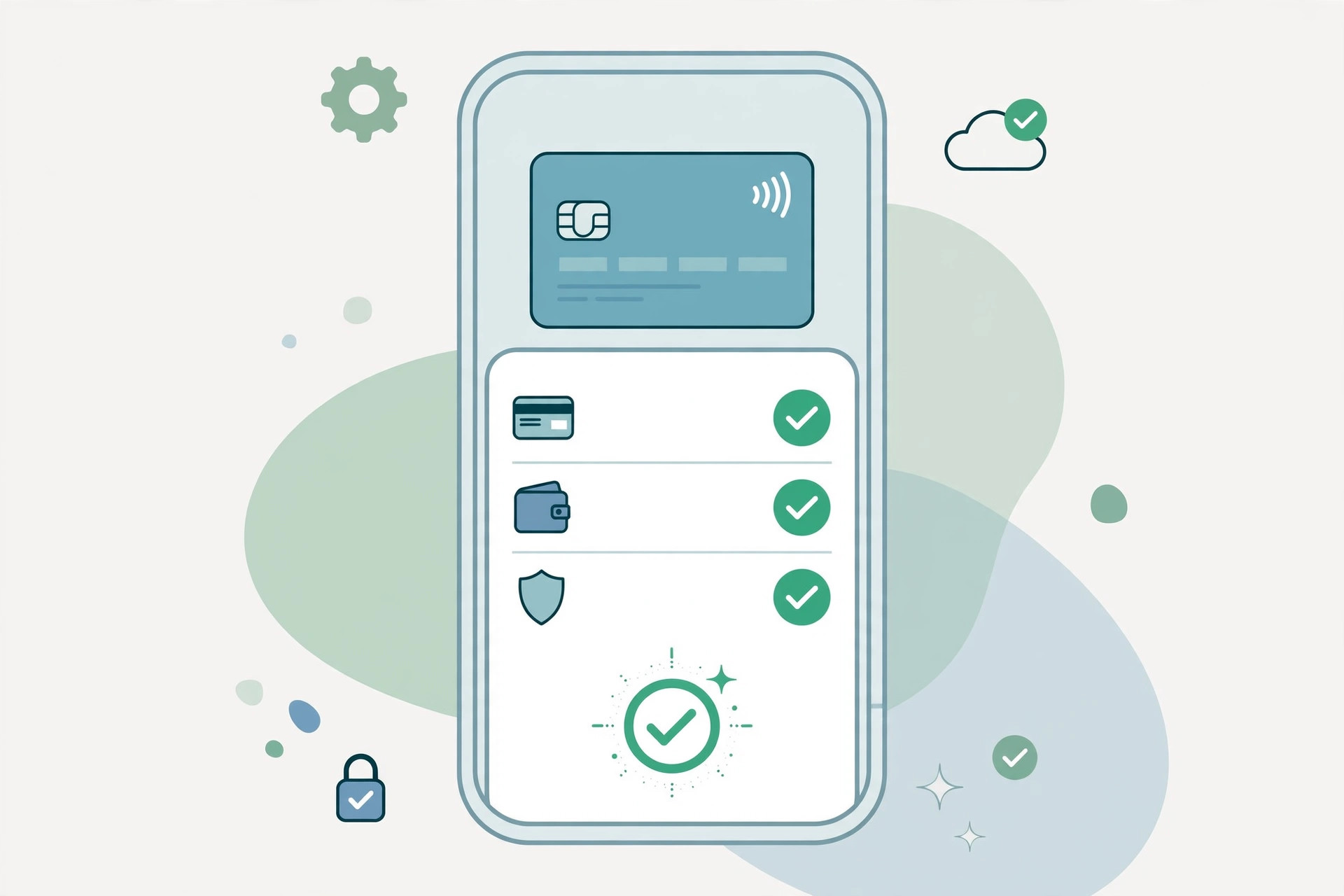
How to fix the “Verification Required” error step by step
- Update your payment method. Tap Continue on the error to jump straight to the payment screen. If the pop-up is gone, open the App Store, tap your profile icon, tap your name, then Manage Payments, and update the card details. Expired cards and wrong billing addresses are the number one cause, so check the expiry date and address carefully.
- Clear any unpaid balance. Go to Settings > your name > Media & Purchases > View Account > Purchase History and look for an entry marked “Amount You Owe”. Pay it off — Apple will not allow even free downloads until the outstanding amount is settled.
- Remove the expired payment method entirely. If your billing details are clean but the error persists, go to Settings > your name > Payment & Shipping and remove the old card. Apple allows a “None” payment option for free-only use in many regions (though not all), which stops the verification loop for good.
- Sign out, restart, and sign back in. Go to Settings > your name, scroll down, and tap Sign Out. Restart the iPhone, sign back in with your Apple Account, and try the download again. This clears stale authentication tokens that can keep the error alive.
- Check Family Sharing. If you are in a Family Sharing group, the organizer’s payment method is the one being charged. Ask the organizer to update their card or settle the balance — nothing you change on your own device will fix it.
If it still doesn’t work
If you have verified the payment method, cleared every balance, and the pop-up still appears, the issue may be on Apple’s side — a billing-system glitch or a region-specific restriction on the “None” option. As a last resort, contact Apple Support directly; they can see billing flags on your account that are invisible to you and clear them in minutes.
FAQ
Why does Apple ask for payment details for a free app?
Apple ties every Apple Account to a verified payment method as an anti-fraud measure and to make future purchases frictionless. Even free downloads pass through the same verification check, so an invalid card blocks them too.
Can I use the App Store with no payment method at all?
In many regions, yes — choose the “None” option under Payment & Shipping after removing your old card, and free downloads will work without a card on file. In some countries Apple does not offer the “None” option, in which case any valid card (even one never charged) will satisfy the check.
Conclusion
The “Verification Required” loop almost always comes down to one of two things: an expired card or an unpaid balance. Update your payment details, settle what you owe, and free downloads will flow again — usually within minutes.





