
Typing a six-digit passcode dozens of times a day gets old fast. Whether Face ID is having an off day, you’re wearing gloves, or you simply want to shave a second off every unlock, a shorter code makes your iPhone feel noticeably snappier. The good news: Apple lets you swap the default six-digit passcode for a classic four-digit one in under a minute — no computer or extra apps required.
Is a 4-digit passcode safe enough?
Honesty first: four digits means 10,000 possible combinations versus one million for six digits, so a shorter code is technically easier to guess. In practice, the risk is smaller than it sounds. Your iPhone locks itself after repeated wrong attempts, and you can even make it erase all data after ten failed tries. Since Face ID or Touch ID handles most unlocks anyway, the passcode mostly serves as a backup. Just avoid lazy choices like 1234, 0000, or your birth year — iOS even warns you if you pick an easily guessed code. You can read more about Apple’s passcode protections in Apple’s official passcode guide.
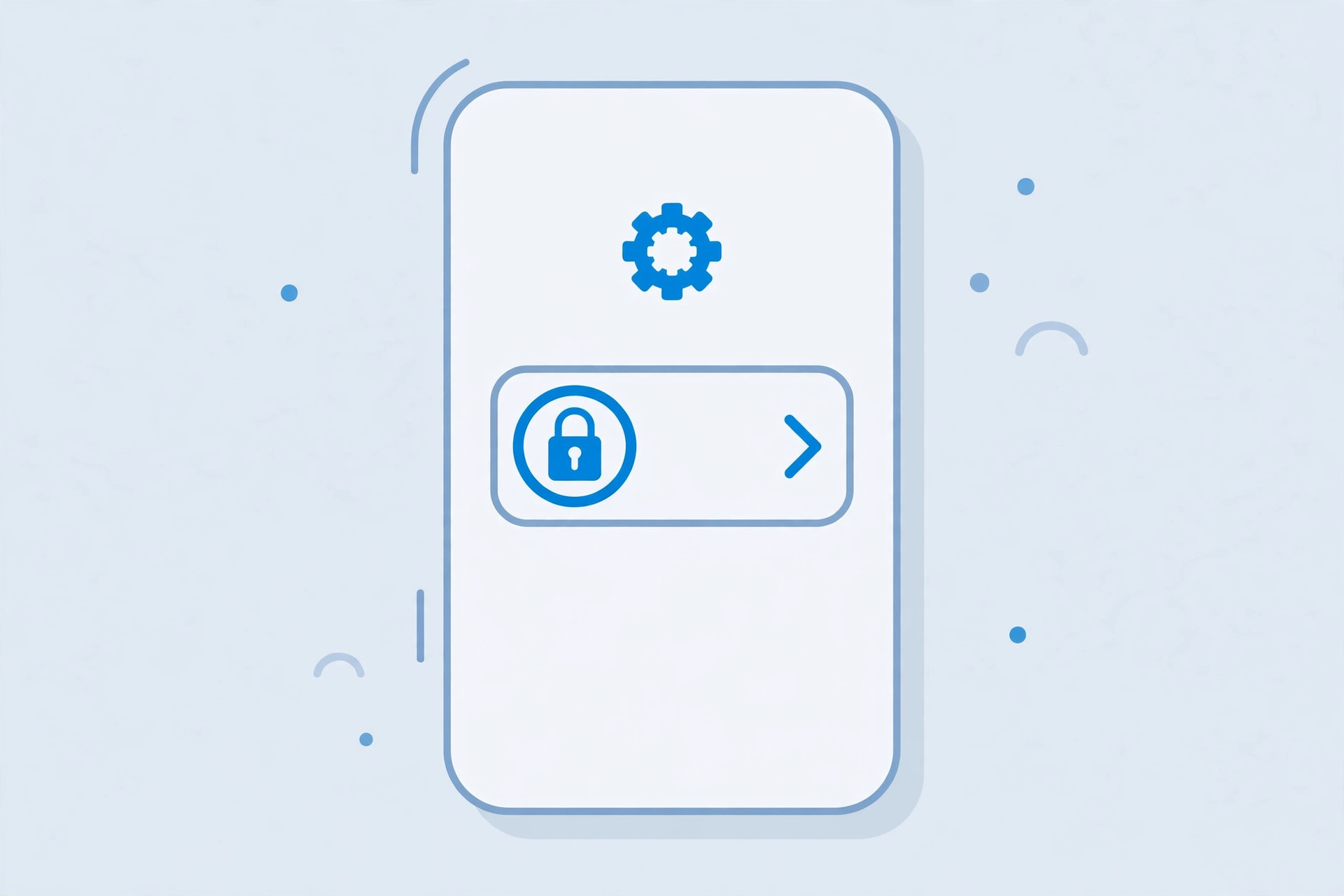
How to switch to a 4-digit passcode
- Open Settings on your iPhone.
- Tap Face ID & Passcode (or Touch ID & Passcode on models with a Home button).
- Enter your current passcode to get in.
- Tap Change Passcode.
- Enter your current passcode once more when prompted.
- On the “Enter your new passcode” screen, look just above the keyboard and tap Passcode Options.
- Choose 4-Digit Numeric Code.
- Type your new four-digit code, then enter it again to verify.
That’s it — your iPhone now unlocks with four digits. The change takes effect immediately, and your Apple ID, Apple Pay cards, and saved passwords are untouched.
Other passcode formats worth knowing
The same Passcode Options menu hides two more choices. Custom Numeric Code lets you use any number of digits — handy if you want, say, an eight-digit code. Custom Alphanumeric Code allows letters and symbols too, which is the strongest option and a favorite of security-conscious users, as often discussed on MacRumors. You can switch formats any time by repeating the steps above.
What if the 4-digit option is missing?
If Passcode Options only offers longer codes, your iPhone is probably managed by an employer or school. Organizations can enforce passcode rules through a configuration profile that blocks shorter codes. Check Settings → General → VPN & Device Management for an installed profile, and ask your IT administrator if you need it changed. On a personal device, a missing option can also come from Screen Time restrictions. While you’re digging through settings, you might also like our guide on how to set a silent ringtone on iPhone for meetings and quiet hours.
FAQ
Will a 4-digit code disable Face ID or Touch ID?
No. Biometric unlock keeps working exactly as before. The passcode is only the fallback for when Face ID or Touch ID can’t be used — after a restart, for example.
Can I switch back to a six-digit code later?
Absolutely. Follow the same steps and pick 6-Digit Numeric Code (or a custom format) in the Passcode Options menu.
The bottom line
Switching to a four-digit passcode is one of the simplest iPhone tweaks you can make: a few taps, no trade-offs you can’t reverse, and a slightly faster unlock every time. Pair it with Face ID and a non-obvious number, and you get convenience without giving up real-world security. And if your iPhone has other annoying habits — like auto-switching audio from your headphones to a speaker — we’ve got fixes for those too.





