
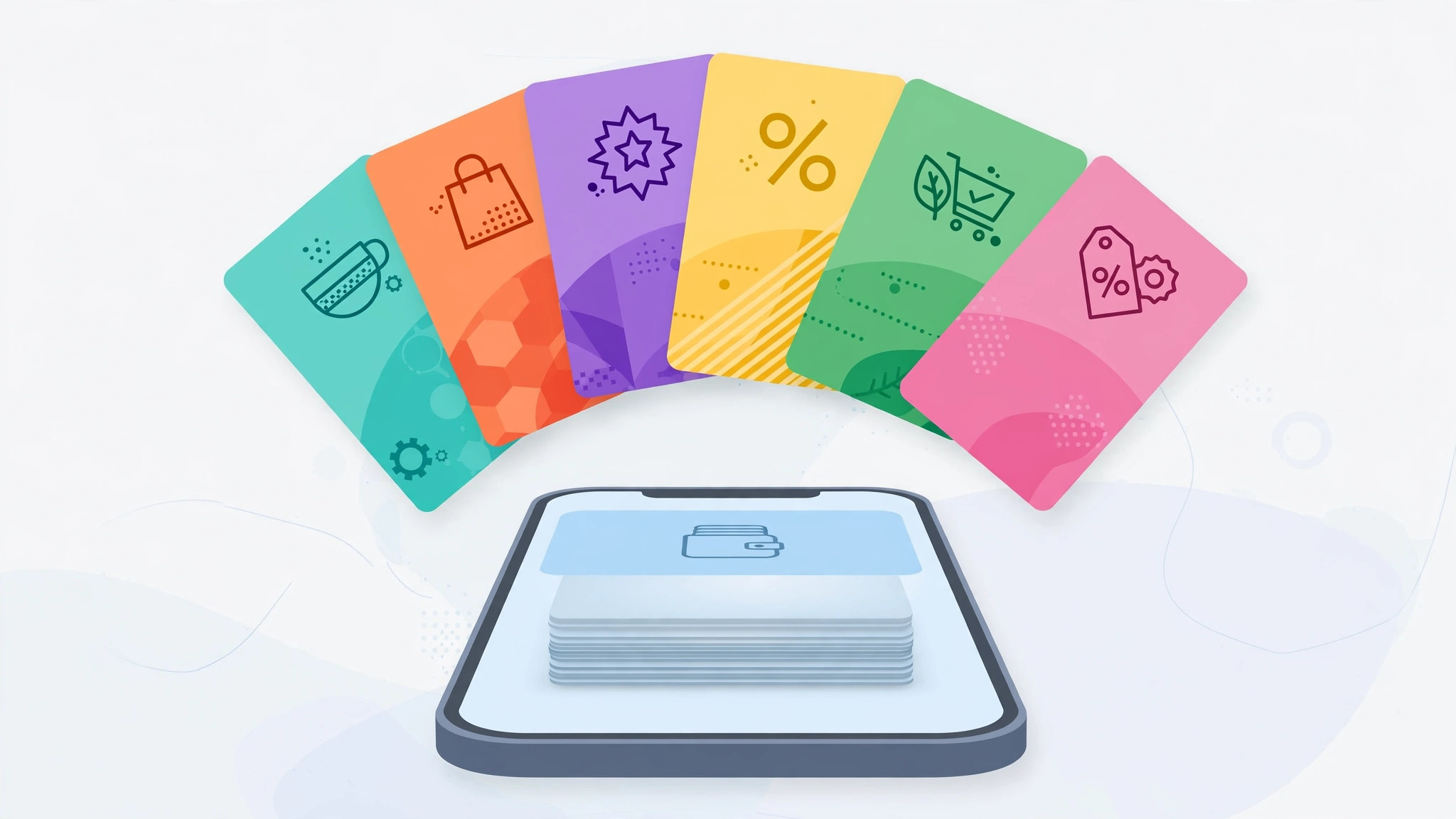
Your wallet is bursting with plastic: grocery loyalty cards, pharmacy discounts, coffee shop punch cards. Here’s the good news — your iPhone can hold all of them, and you can leave the physical cards at home. The free Stocard app turns your phone into a universal loyalty-card wallet.
Why Stocard is the go-to solution
Stocard is a free app on the App Store (get it here) built specifically for loyalty and discount cards. It handles the barcode and QR-code cards that most stores use, keeps them organized in one searchable list, and — best of all — can push your cards into Apple Wallet so they’re one tap away. Apple’s own iPhone support pages explain how Wallet passes work if you want the official background.
Step 1: Install Stocard and pick your store
- Install Stocard from the App Store and open it.
- Tap the plus button and search for the store by name. Stocard ships with templates for thousands of retailers, so the card design and barcode format are usually pre-configured.
Step 2: Scan the barcode or enter the numbers manually
- Hold your physical card in front of the camera to scan the barcode — it takes a second.
- If scanning fails (worn-out cards are the usual culprit), tap manual entry and type in the numbers printed under the barcode.
Step 3: Add details and export to Apple Wallet
- Optionally snap a photo of both sides of the card for reference and add a short note (for example, “expires in December”).
- Tap export to send the card to Apple Wallet. From then on you can open it from the Wallet app — or just let the lock-screen suggestion pop up when you’re near the store.
At the checkout
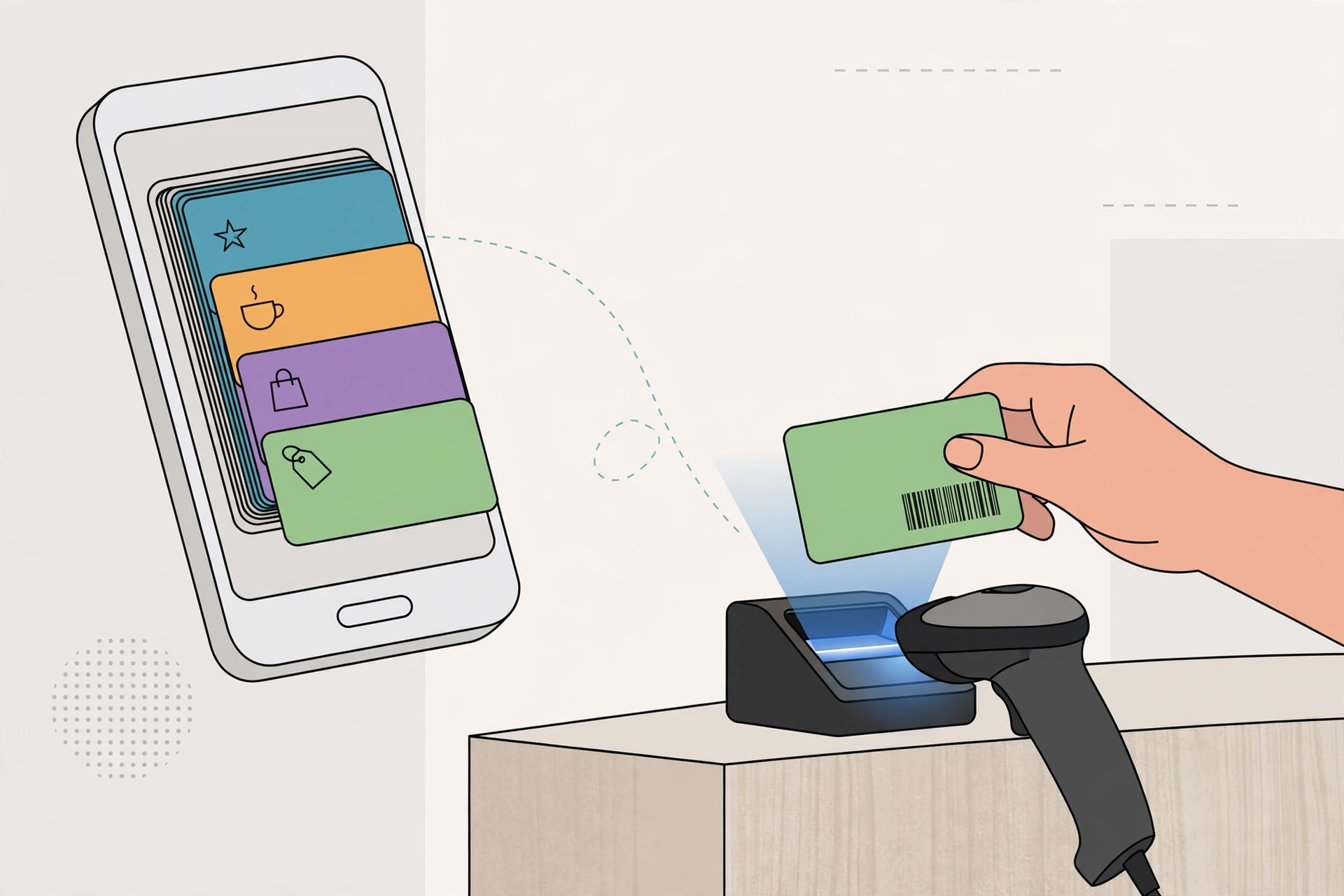
Open the card and hold your screen up to the scanner. Stocard automatically cranks your screen brightness to maximum when a barcode is displayed, so even fussy laser scanners can read it. It’s genuinely faster than digging through a wallet.
If it still doesn’t work
Stocard covers barcode and QR-code cards — but it can’t replace magnetic-stripe or chip-only cards, which need physical swiping. If a particular store’s scanner refuses to read your screen, try holding the phone a few inches farther away and perfectly still; laser scanners are picky about distance. And while you’re tidying up your iPhone, take a moment to review your subscriptions too — here’s how to cancel an App Store subscription without an Apple device.
Frequently asked questions
Is Stocard really free?
Yes — the core app is free, including unlimited cards and Apple Wallet export. There’s an optional premium tier, but you don’t need it for everyday loyalty cards.
What if my card has no barcode at all?
Some old-school punch cards are just a logo with your name. You can still store a photo of the card plus a note in Stocard, but the cashier will likely need to see it visually. If an app nags you about rating it while you’re setting all this up, see how to stop annoying ‘rate this app’ prompts on iPhone.
Scan once, and your wallet gets a whole lot lighter — every loyalty card, always in your pocket.





