
Why these little pop-ups keep interrupting you
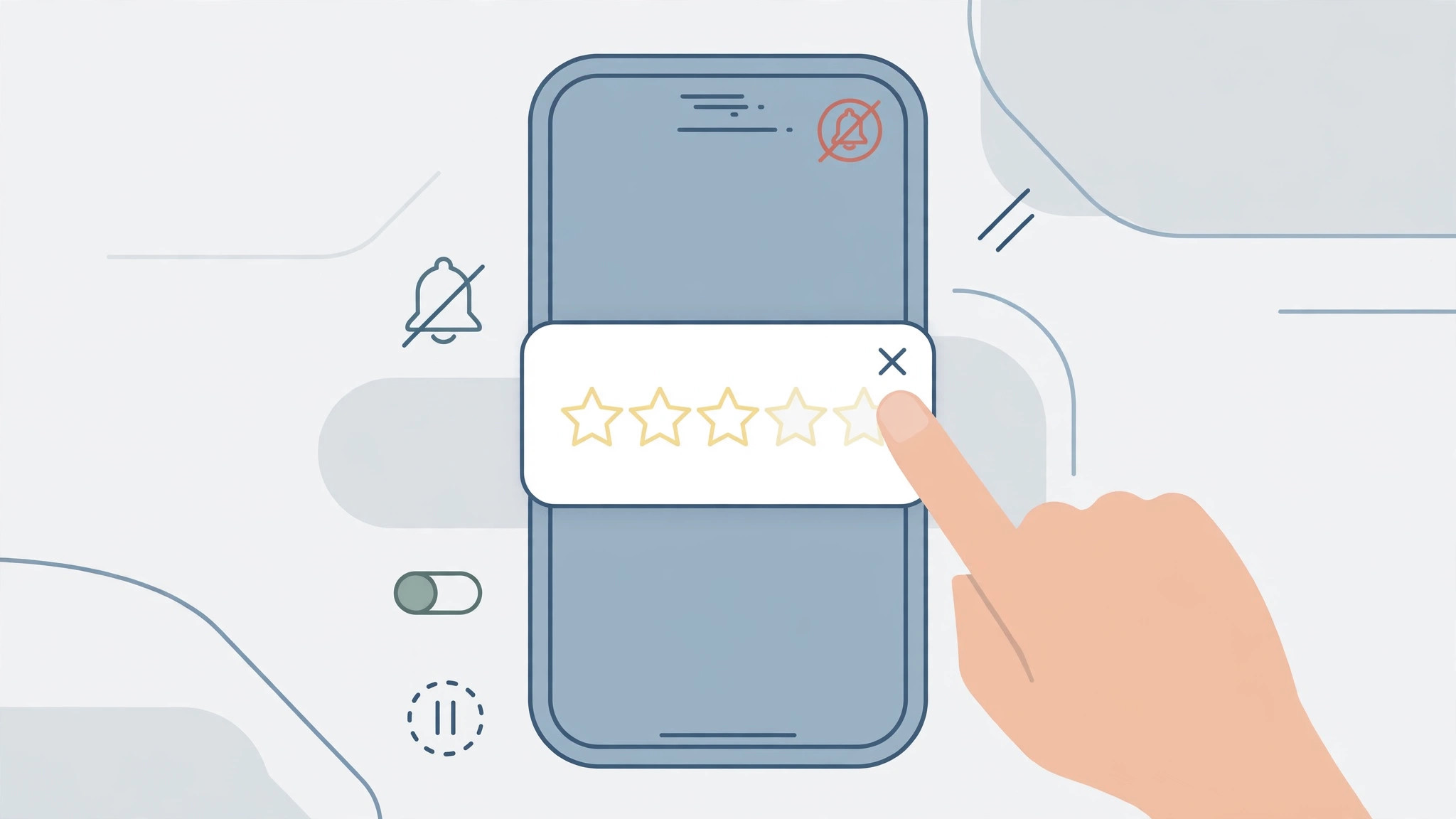
You are halfway through a game level, logging a workout, or editing a photo when a card slides up from the bottom of the screen: “Enjoying this app? Tap a star to rate it!” It shatters your focus, and swatting it away feels like unpaid labor. These pop-ups come from Apple’s official review system, which lets developers ask for ratings without sending you to the App Store. Most people assume there is no way to silence them. There is: a master switch in Settings tells iOS to never show these cards again. Flip it once, and the interruptions stop for good.
Step 1: Open the App Store settings
The switch lives in the Settings app, not inside any individual app. Open Settings, scroll down, and tap App Store. On older iOS versions this section is called “iTunes & App Store” — same place. Scroll until you spot In-App Ratings & Reviews. While you are here, note the neighboring switches: this is also where you control automatic downloads, as we explain in our guide to disabling automatic app updates on iPhone and Mac.
Step 2: Switch off “In-App Ratings & Reviews”
Tap the toggle next to In-App Ratings & Reviews so it turns grey. That is the whole trick. From now on, iOS will not present Apple’s official rating card inside any app on this iPhone — the change is system-wide, so you do not repeat it per app. If a prompt is already on screen, dismiss it manually one last time; the setting cannot retract a card that is already showing. Apple’s iPhone User Guide documents these App Store settings if you want to double-check each toggle.
Step 3: Repeat the fix on your other Apple devices
This is a per-device setting, not a per-account one. On an iPad, follow the same path: Settings > App Store, and switch the toggle off. On a Mac, open the App Store, click App Store in the menu bar, choose Settings, and uncheck In-App Ratings and Reviews. AppleInsider has noted that many people silence the prompts on their iPhone and then wonder why the Mac still nags — now you know why.
Step 4: Handle the apps that ask anyway
Here is the honest caveat: the toggle only blocks Apple’s official prompt. Nothing stops a developer from coding their own custom “Please rate us!” pop-up. When one appears, look for Not now, Later, or Don’t ask again — many apps hide a permanent opt-out in their own settings. Two facts soften the blow: Apple’s official prompt can appear at most three times per year per app, so the truly relentless beggars are custom pop-ups; and as TechCrunch has covered, aggressive review-begging tends to backfire on developers. Users on X regularly celebrate rediscovering this switch.
If it still doesn’t work
- Restart your iPhone after flipping the toggle — an already-queued prompt can still surface once.
- Update iOS via Settings > General > Software Update; on very old versions the option may be labeled differently.
- Custom in-app pop-ups are not covered by the switch — check the app’s own settings for a “never ask again” option.
- If you like a quiet App Store in general, you can also track App Store discounts and price drops instead of letting apps shout for your attention.
FAQ
Will turning this off stop me from rating apps I genuinely love?
Not at all — the switch only silences unsolicited prompts. You can still open any app’s App Store page and leave a star rating or written review whenever you like.
Do I need to repeat this for every app?
No. One system-wide switch covers every app on the device. You only repeat it per device: iPhone, iPad, and Mac each have their own toggle.
Conclusion
Rating prompts are one of those small paper cuts of phone life — tiny, but constant. One toggle in Settings > App Store ends them, while leaving you free to praise the apps you love on your own terms.





