
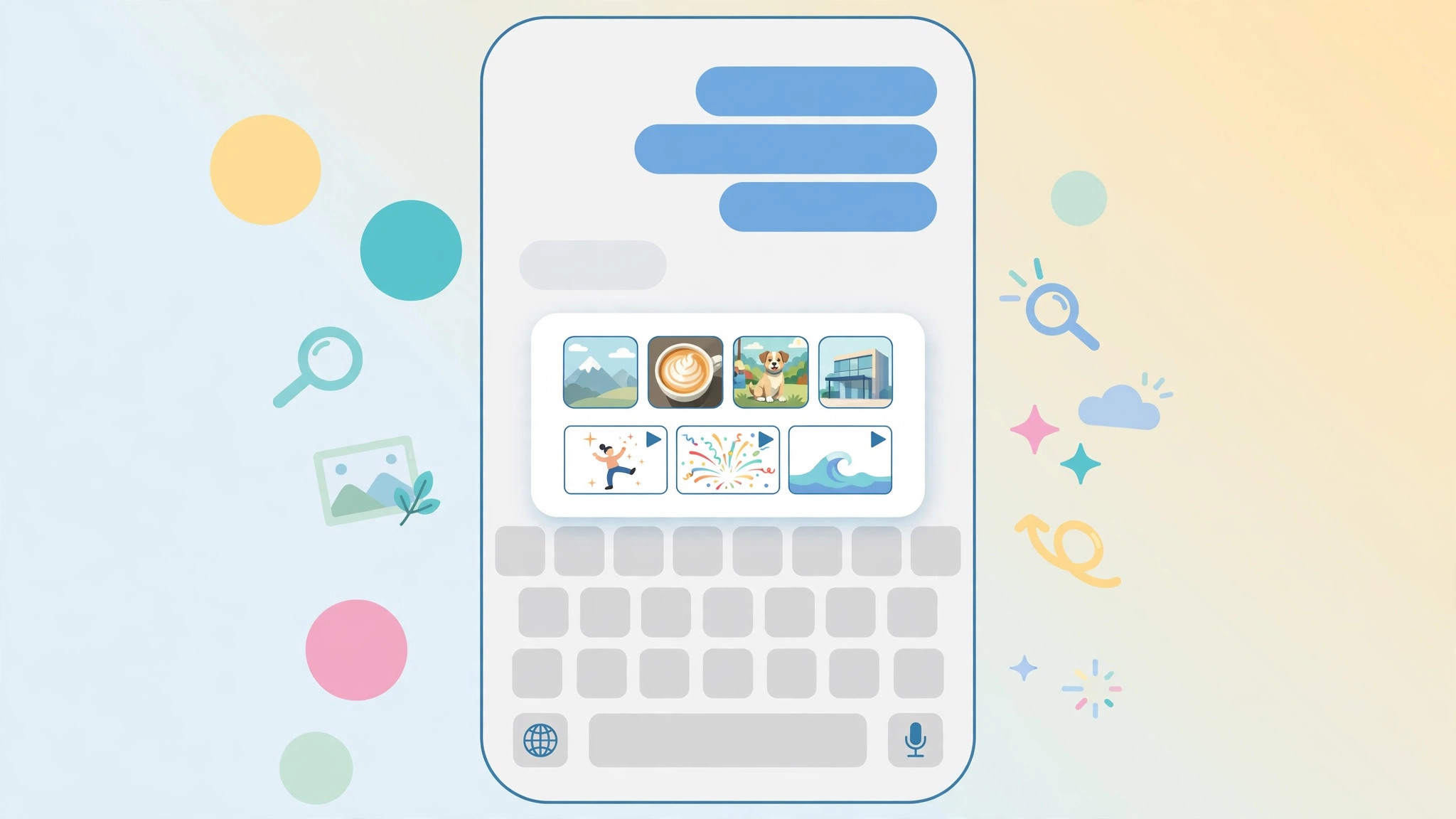
You may have seen a demo showing a handy image-search button built right into the iMessage keyboard — a magnifier that finds pictures without leaving the conversation. But on your own iPhone, there is no such button. You are not overlooking it, and your phone is not broken. Apple simply never shipped it.
The image-search button existed only in the iOS 10 betas
Here is what actually happened. When Apple introduced iOS 10, one of the headline Messages features was an image search that worked a lot like the one in Google’s Gboard keyboard: tap a search icon in the Messages app drawer and find GIFs and images instantly.
The catch: that image search only ever appeared in the iOS 10 beta builds. Even in the betas, the search menu would show up, but the search itself did not work. Apple pulled the feature before the final release — so the shipping version of iOS 10 has no built-in image-search button on the iMessage keyboard. 9to5Mac covered the missing feature during the beta cycle.
How to search for images in Messages anyway
You can still find and send images without leaving a conversation:
- Open a Messages conversation and tap the App Store icon next to the text field (in iOS 10, this is the arrow/arrow-icon button above the keyboard).
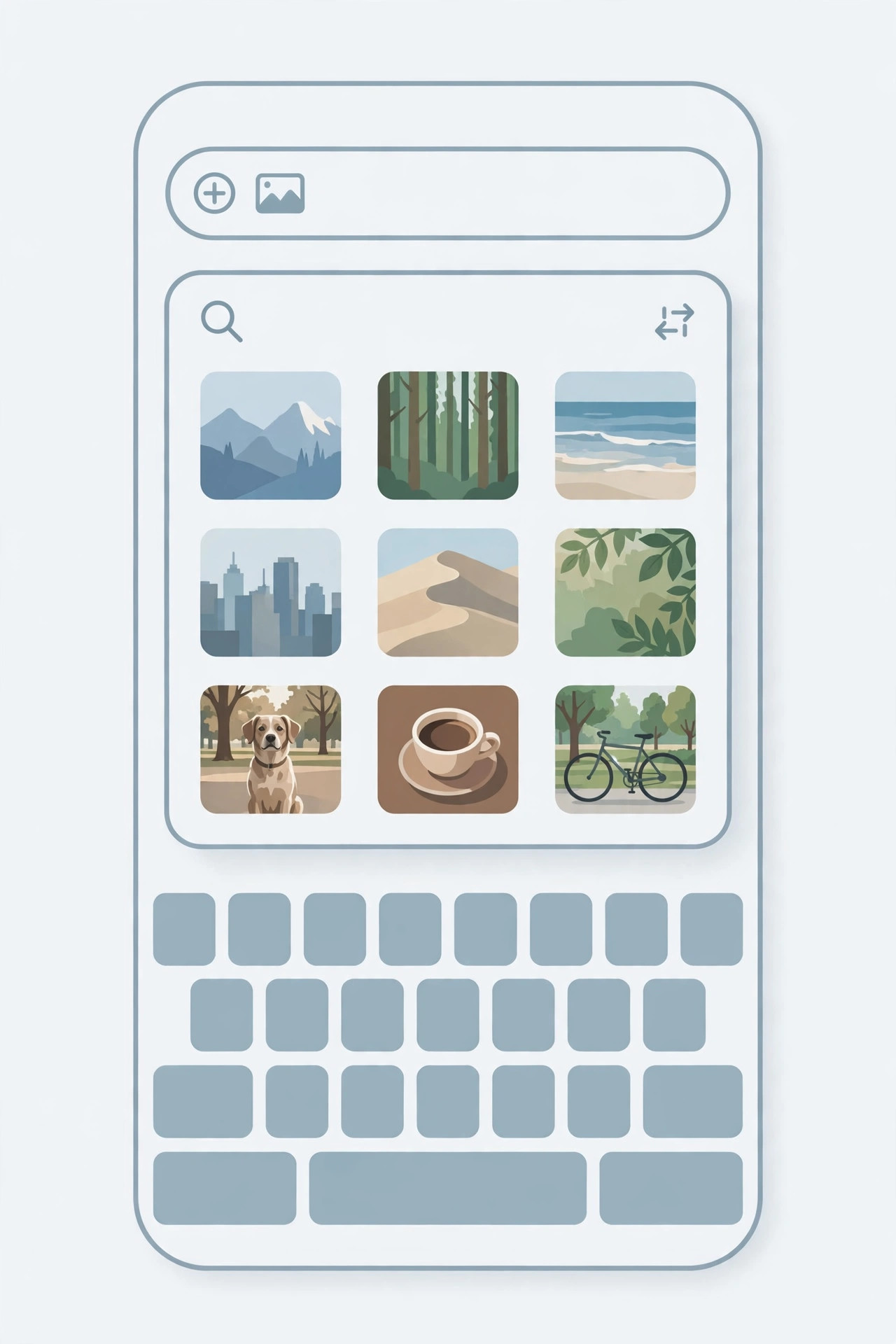
- Find a Messages image app. Apple ships the built-in #images app, which searches GIFs and pictures right inside the conversation. Tap it.
- Type your search term into the #images search field.
- Tap a result to preview it, then hit Send — the image lands in the chat thread.
- Optional: install more image-search apps. Other apps in the Messages App Store add picture search too, if you want more results than #images provides (Apple’s iPhone Messages documentation explains the app drawer).
Modern note
Later iOS versions folded rich media search into the redesigned app drawer — in modern iOS, tapping the + button in a conversation opens options including stickers and photo search. If you arrived here on a current iPhone, check the + menu rather than hunting for a beta-era button. For more messaging tips, see our guides on setting up message sync between iPhone and Mac and permanently deleting text messages from iPhone and iCloud.
If it still doesn’t work
The #images app needs a network connection, and in some regions it may be disabled under Settings > General > Language & Region restrictions. If the app is missing from the drawer, swipe to the end of the app strip and tap More to enable it; if results never load, restart the phone and try on Wi-Fi.
Frequently asked questions
Can I get the original iOS 10 beta image search back?
No. The feature was removed before release and was never restored, so no setting or tweak brings it back. The #images app is Apple’s official replacement.
Is image search in Messages free?
Yes — #images and the app drawer are built into iOS at no extra cost, and most third-party Messages image apps are free.
Conclusion
The iMessage keyboard image search is not hidden and not a bug: it simply did not survive the iOS 10 betas. The good news is that the #images app in the Messages drawer does the same job, letting you search and send pictures without ever leaving the conversation.





