
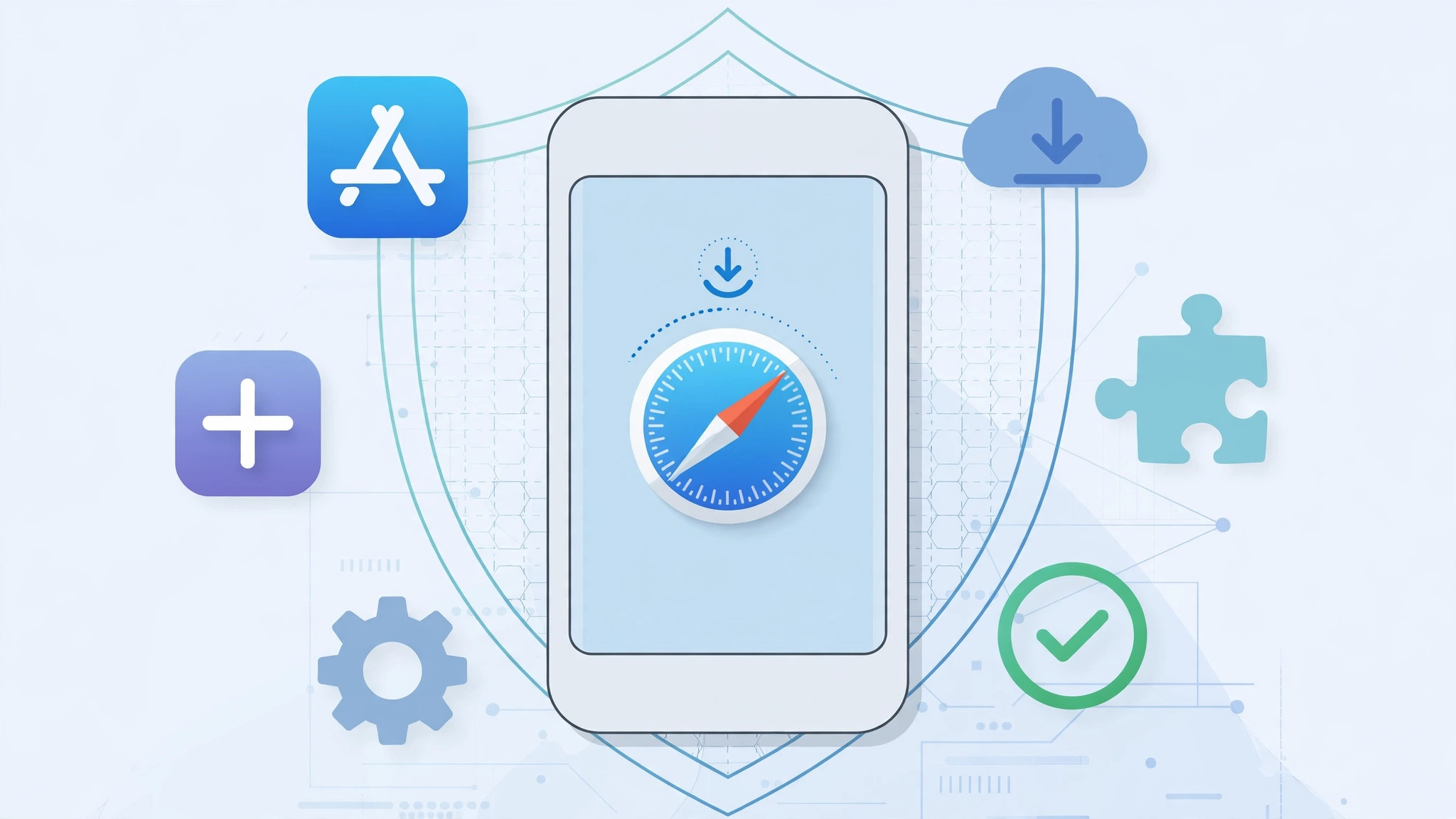
You have probably run into this: a website shows a big “Install” button in Safari, or a message tells you to download a company app from a link instead of the App Store. It sounds convenient — and a little suspicious. Can Safari actually install apps on your iPhone, and is it safe? Here is the short answer: yes, it is safe — because iOS does not let Safari install anything the way you are probably imagining.
The key is knowing what an “install” link in Safari can actually trigger. There are only three possibilities, and once you know them, no shady download page can fool you.
What “installing via Safari” actually means
- Know what an “Install” button in Safari can do. Safari cannot download and install real apps outside the App Store — iOS simply does not give it that power. Tapping an install link can only (a) redirect you to the App Store, (b) save the website to your Home Screen as a web-app icon through Share → Add to Home Screen, which is just a bookmark with an icon rather than an installed app, or (c) download a configuration profile or enterprise-signed app that iOS blocks until you manually trust it. Apple’s enterprise-app support page explains that approval step.
- Use the two official paths. Install apps from the App Store, and use Share → Add to Home Screen in Safari for web apps. Both are completely safe: the App Store gives you Apple’s review process, and Home Screen web apps run inside Safari’s sandbox with no access to your system.
- Never trust an enterprise certificate you did not request. This is the one channel that bypasses App Store review, and it is the only real risk in this story. If a site asks you to open Settings → General → VPN & Device Management and tap “Trust” on a developer name you do not recognize, stop. Only trust certificates from sources you fully trust — your employer, your school, or a developer you know personally. MacRumors consistently flags unvetted installs as the iOS security risk worth caring about.
- Keep iOS updated. Sandboxing, mandatory code signing, and App Store review are what make Safari-based installs safe, and every iOS update patches the holes that could let a website escape the sandbox. Install updates promptly.
- Remember the short answer. Yes, it is safe — because Safari cannot silently install anything. Any site claiming otherwise is trying to scare or trick you.
If it still doesn’t work
If a website keeps nagging you to install a profile or an app it cannot actually install, it is just aggressive advertising — close the tab and move on. If you already tapped “Trust” on a certificate you now regret, open Settings → General → VPN & Device Management, tap the profile, and choose Remove Profile. That revokes the trust instantly, and any apps tied to it stop running.
Frequently asked questions
Can a website in Safari infect my iPhone with a virus?
Practically, no. Websites run inside Safari’s sandbox and cannot install executable code. The real threats are phishing pages and fake download buttons — annoying, but not malware.
What is the difference between Add to Home Screen and a real app?
Add to Home Screen saves a website shortcut that opens in Safari, with no access to your files or system settings beyond what Safari itself can do. A real app from the App Store is a separate program with its own permissions. If you are decluttering, see which built-in iPhone apps you can delete, and for safer browsing see how to stop Safari from suggesting passwords for websites.
Conclusion
“Installing via Safari” sounds risky, but the risk is an illusion of wording. Safari can only point you to the App Store, save a harmless web bookmark, or ask you to trust a certificate — and that last one is entirely your choice. Stick to the App Store, use Add to Home Screen freely, and never trust a certificate you did not request. Safari will stay the safest way to discover apps.





