
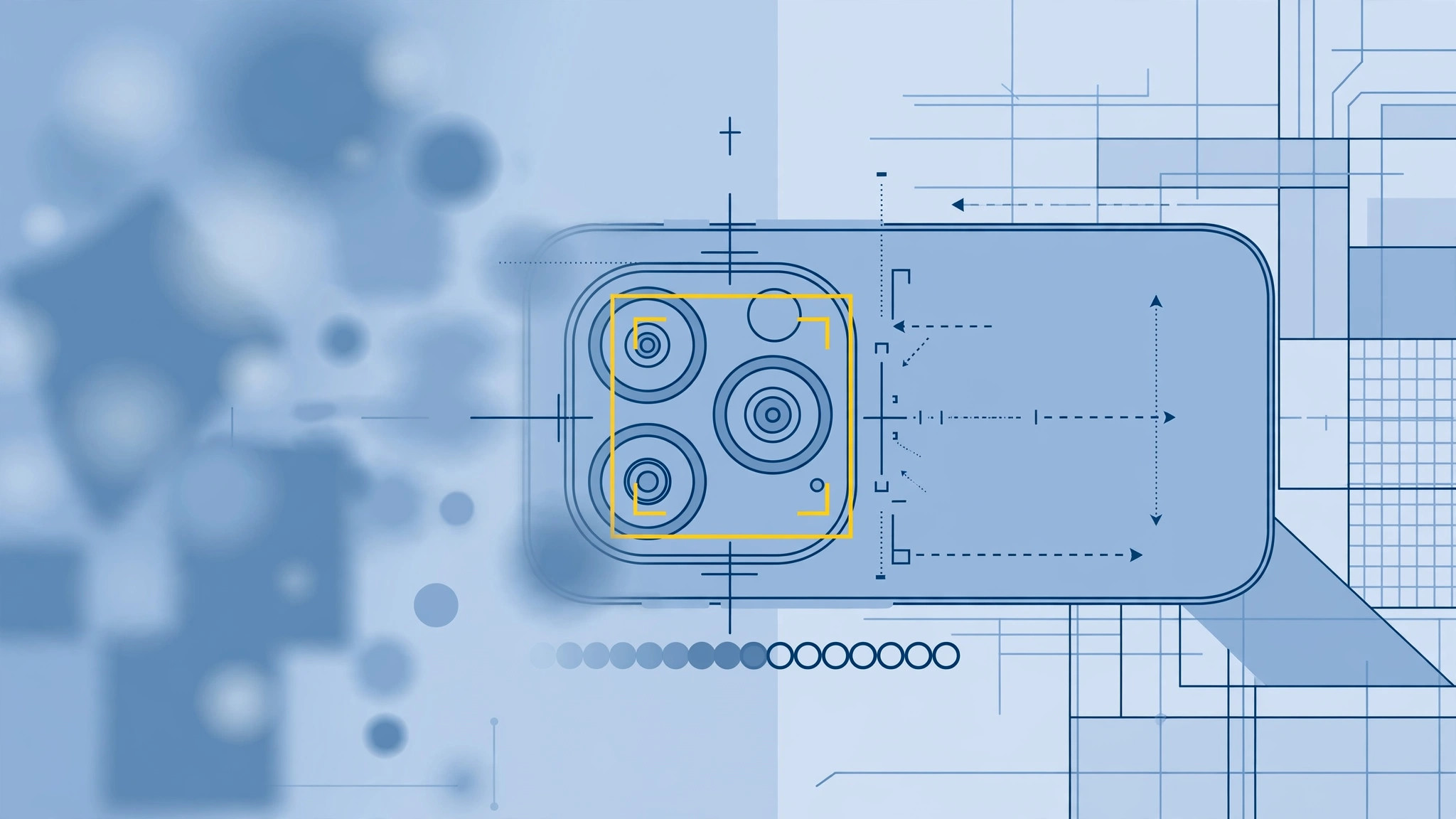
Blurry photos with no sharpness anywhere, focus that hunts back and forth endlessly — when the iPhone camera can’t lock focus, the cause is usually physical rather than software. The most distinctive culprit lives inside Plus models and later dual-camera iPhones: the optical image stabilization system, which relies on delicate magnets that outside interference can jam. Work through these steps in order.
Fix an iPhone camera that won’t focus
- Clean the lens. Wipe the camera lens gently with a soft microfiber cloth. Smudges, fingerprints, and pocket dust are the single most common reason the camera hunts for focus — and the easiest to fix. Check that the lens cover glass is not scratched, as iFixit camera repair guides often flag scratched covers as a silent focus killer.
- Remove the case and magnetic accessories. Take off the case and any magnetic mounts, wallet cases, or clip-on lens attachments. Magnets interfere with the optical image stabilization (OIS) module — especially on Plus models and newer iPhones with dual or triple cameras — and a stuck OIS unit prevents focusing entirely. Test the camera with everything removed.
- Tap to focus manually. Open the Camera app and tap your subject to set focus on it. Press and hold to lock AE/AF (auto exposure / autofocus) so the focus stops drifting when the scene moves. If the yellow box appears and photos turn sharp, the hardware is fine — the issue was a framing habit, not a fault.
- Force-quit and restart. Swipe up (or double-tap Home on older iPhones) and swipe the Camera app away, then try again. If it still hunts, restart the iPhone — a reboot clears the software-side focus glitches that 9to5Mac readers report after app updates.
- Update iOS. Go to Settings → General → Software Update. Camera bugs are frequently fixed in patches, so do not skip this even if the update notes mention nothing about the camera.
- Reset all settings or get it repaired. If nothing helps, try Settings → General → Transfer or Reset iPhone → Reset → Reset All Settings (no data loss). Still blurry? A damaged OIS module or camera sensor needs hardware repair — contact Apple Support or an authorized service center for diagnosis.

If it still doesn’t work
Focus hunting on only one lens (wide vs ultra-wide or telephoto) points to a single faulty module rather than a settings issue. Also check third-party camera apps — if the stock Camera app focuses fine but a third-party app does not, the problem is that app, not the hardware. For more iPhone camera quirks, our guide on spatial photo mode issues covers related troubleshooting.
Frequently asked questions
Why does my iPhone camera focus on the background instead of my subject?
Tap the subject on the viewfinder to move the focus point there, then press and hold to lock AE/AF. Without a lock, the camera continuously re-evaluates the scene and will happily settle on the brightest or nearest contrast — which may not be what you want.
Can a magnet really break my iPhone camera?
Yes — prolonged exposure to strong magnets (mounts, cases, accessories) can damage the OIS mechanism on iPhones with optical stabilization, especially Plus and dual-camera models. That is also why you should disable camera-related lock-screen shortcuts that interfere with camera use, like quick camera launch on the lock screen when diagnosing the issue.
Conclusion
In most cases an iPhone camera that can’t focus is fixed in seconds: clean the lens, strip off the case and magnets, and tap to focus. When those fail, software resets are worth one try — but a camera that still won’t focus after all of this almost certainly has a damaged OIS module or sensor, and a repair shop is the next stop.





