
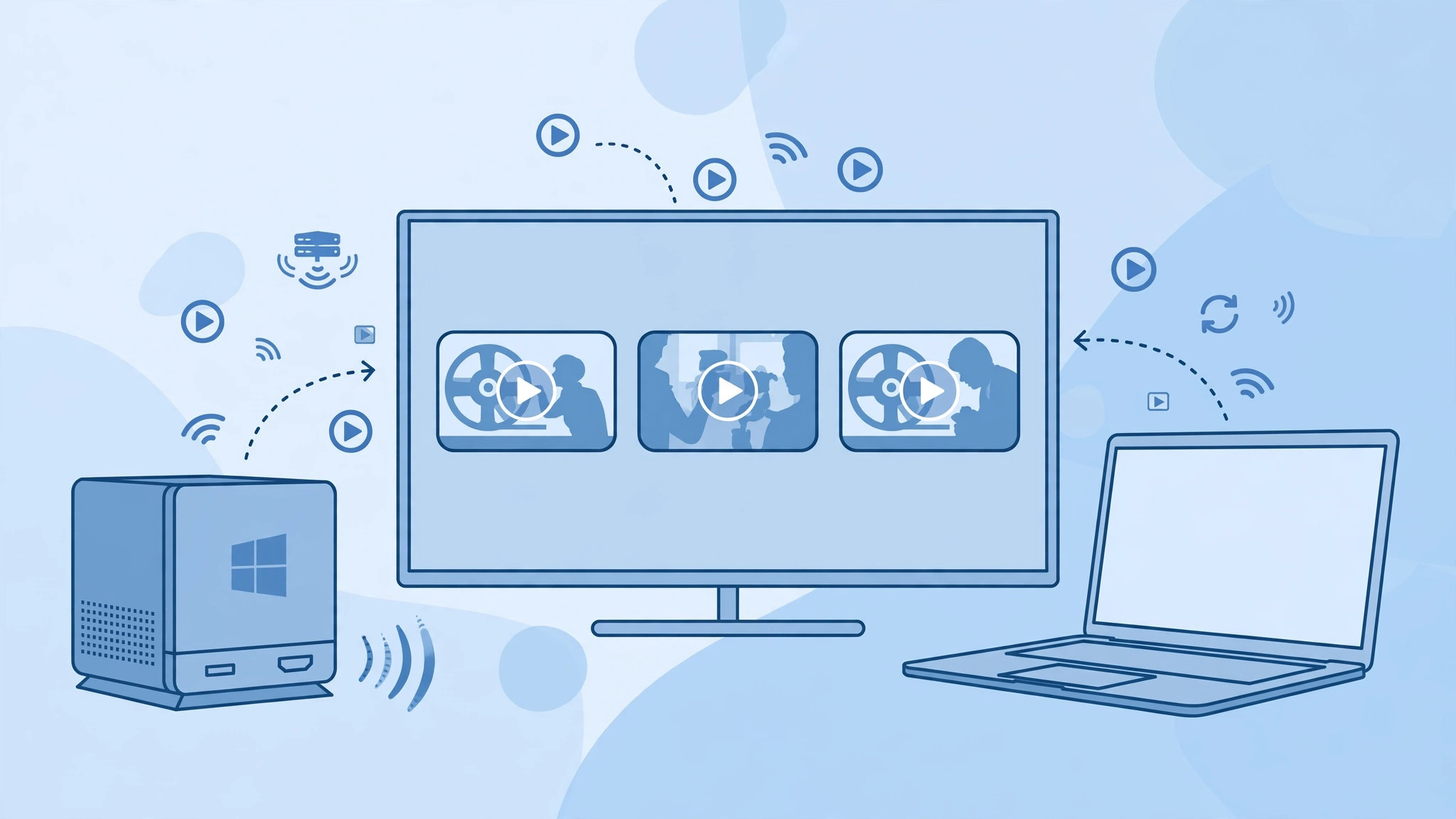
A tiny Windows PC plugged into the TV sounds like the perfect media hub — silent, cheap and always on. But if your household already runs on Macs, that dedicated Windows box is almost never the right purchase. Here is the honest breakdown of what those mini PCs can do, what an Apple TV does better, and what to do when you genuinely need Windows.
The two kinds of compact Windows PCs
Compact Windows machines built for TV duty fall into two groups. Stick PCs are thumb-drive-sized computers that plug straight into an HDMI port. They are tiny, quiet and use very little power, which makes them handy for travel — plug one into any hotel TV or monitor and you have a full desktop. Nettops, on the other hand, are small Mac-mini-sized boxes that sit permanently beside the TV. They are stationary and more capable, with room for more storage and faster processors, which is why they are usually the ones sold as home media servers. The Verge has reviewed plenty of these mini PCs over the years, and the verdict is consistent: they are fine computers, but they solve a problem most Mac households do not have.
Why an Apple TV wins for a Mac household
If you already own one or more Macs, the recommended move is an Apple TV instead. For far less money it handles streaming and games on its own, and through AirPlay it mirrors the screen of any iPhone, iPad or Mac in one tap — no extra software, no drivers, no cables. Apple documents the current lineup on its Apple TV product page, and MacRumors keeps a running guide to what each model can do. The experience is built for people who live inside Apple’s ecosystem: your photos, music and messages already travel between your devices, and as our guide to setting up message sync between iPhone and Mac shows, that continuity is the whole point.
When you genuinely need Windows, virtualize it
A Windows box only earns its keep when you must run Windows software that has no Mac equivalent. In that case, install Windows inside a virtual machine with Parallels Desktop or UTM — on Apple Silicon Macs this is the only practical route, since Boot Camp no longer exists. It runs in a window alongside your Mac apps, shares your files, and disappears when you quit it. There is no second computer to update, back up or troubleshoot.
If it still doesn’t work
If AirPlay stutters or drops while mirroring, move the Apple TV to a wired Ethernet connection and keep your Mac or iPhone on the same network. If a specific streaming app misbehaves, force-quit and reinstall it; persistent glitches across apps usually mean the Apple TV needs a restart from Settings. And if your plan was to run the whole setup from the Mac itself — video calls from the couch included — our guide to enabling face lighting during video calls on Mac will help you look your best on the big screen.
Frequently asked questions
Can an Apple TV play movies stored on my computer?
Yes. Install a media app such as Plex or VLC on the Apple TV and point it at your shared library — your Mac stays the server and the Apple TV becomes the remote screen.
What if I need Windows-only software for work?
Run it in a virtual machine on your Mac with Parallels Desktop or UTM. It is cheaper than a second computer and your files stay in one place.
Conclusion
A dedicated Windows mini-PC as a media server is not worth buying for a Mac household. An Apple TV covers the TV use case for less money with less fuss, AirPlay ties it into the devices you already own, and the rare moments you truly need Windows are handled by a virtual machine. Save the hardware budget — or spend it on storage for the Mac you already have.





