
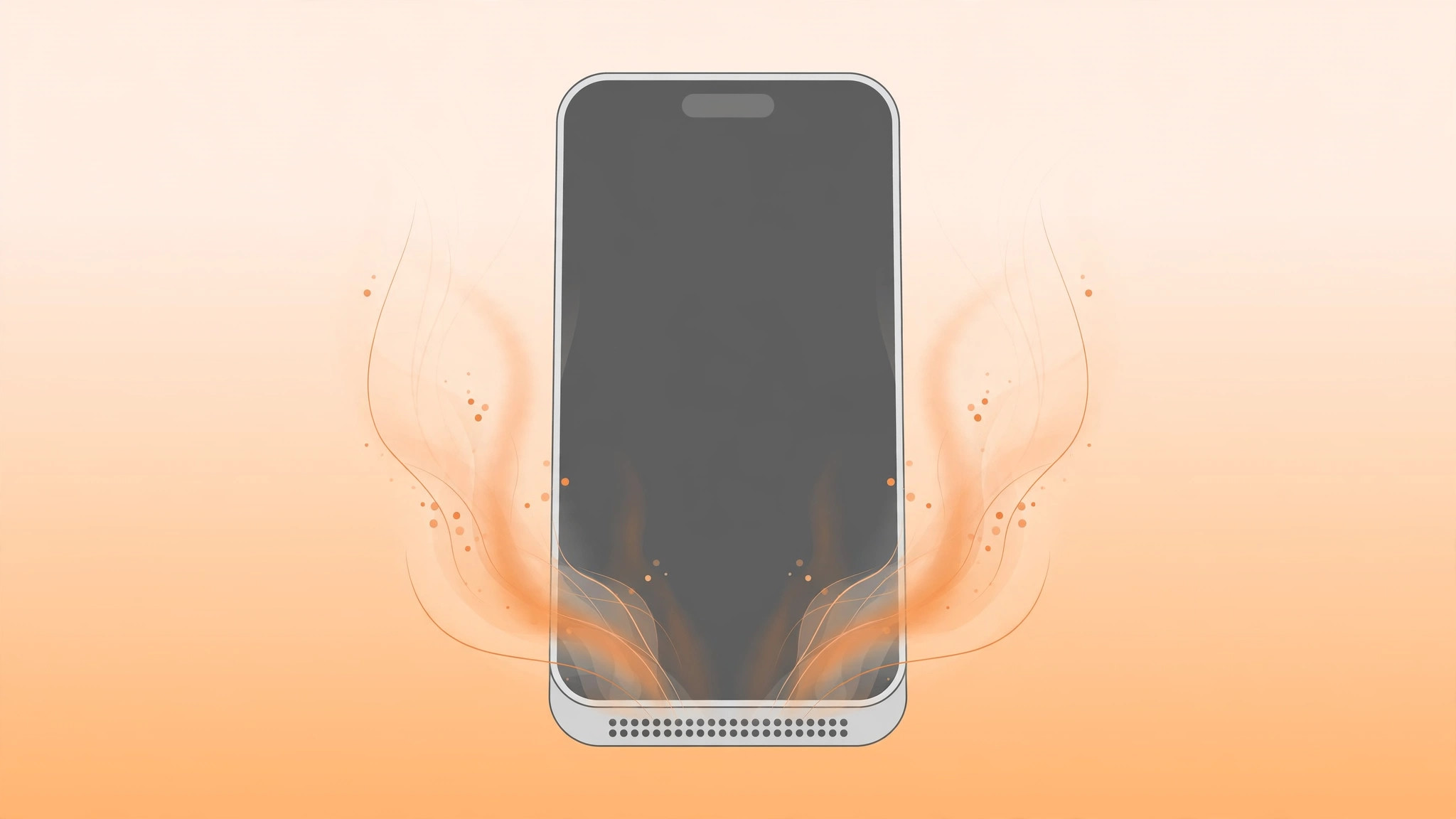
The bottom of your iPhone feels hot to the touch — specifically around the speaker grille. Take it seriously, but don’t panic: some warmth has harmless explanations, and there are software causes you can rule out yourself. Here’s what to check, and when it’s clearly a hardware problem.
Why a hot speaker is not normal
An iPhone can get warm overall during gaming, navigation, or charging — that’s expected. But localized heat at the speaker during light, normal use is atypical, and usually points to a mechanical or hardware fault rather than a setting you can change. That distinction matters: the checks below rule out the software side; they don’t fix a broken speaker.
Rule out software causes first
1. Close demanding apps and let the phone rest. Games, video editors, and long recording sessions push the processor hard, warming the whole chassis including the speaker area. Close the heavy apps, stop playback, and wait ten minutes. Apple’s guidance on iPhone operating temperatures explains what’s normal and when heat signals a real problem.
2. Take the case off. Thick cases trap heat against the body of the phone. Remove the case so heat can escape, and see whether the speaker area cools down noticeably.
3. Don’t use the phone while it charges. Playing audio while plugged in stacks charging heat on top of processor heat. Unplug, or at least pause heavy use, and re-check. Also make sure the phone isn’t switching audio output between headphones and the speaker unexpectedly, which can keep the speaker active without you realizing.
4. Check Settings > Battery for abnormal activity. Look at battery usage: an app burning through battery in the background is generating heat too. Update or delete misbehaving apps, and check that adaptive power notifications aren’t flagging an unusual power drain you missed.
5. Move to a cooler environment and cool it down gently. Direct sunlight, a hot car, or a pocket on a summer day pushes any iPhone past its comfort zone. Move somewhere cooler and let it rest — but never put it in a fridge or freezer; rapid cooling and condensation can damage it. 9to5Mac’s guide to iPhone overheating troubleshooting covers the same safe cooling advice.
6. Stop playing audio through the speaker while it’s hot. If the speaker area is already hot, don’t keep pushing loud audio through it — switch to headphones or pause until the phone returns to a normal temperature.
If it still doesn’t work
If the speaker area still heats up during light use — a call, quiet music, or just sitting idle — stop troubleshooting and do not attempt a DIY repair. Opening an iPhone risks injury and voids any remaining warranty. Back up the iPhone right away, then take it to Apple Support or an authorized service center for a hardware diagnosis, describing exactly when the heat appears so the technician can reproduce it.
FAQ
Is it safe to keep using my iPhone if the speaker area is hot?
If the phone is merely warm, finish what you’re doing and let it cool. If it’s too hot to hold comfortably, stop using it, unplug it, and move it somewhere cool. The iPhone has built-in thermal protection and will shut itself down before real damage occurs, but repeated overheating is a sign something is wrong.
Can a software update fix a hot speaker?
Only if the heat comes from a runaway background process — in which case the Battery screen usually shows the culprit. If the speaker area heats up on a fresh, updated phone during light use, an update won’t fix it, and you should get the hardware checked.
Conclusion
Some warmth during heavy use or charging is normal, but a speaker that gets hot during light use is not. Rule out the software causes — demanding apps, the case, charging while in use, and background battery drain — and if the heat persists, back up your data and let Apple or an authorized service center diagnose the hardware.





