
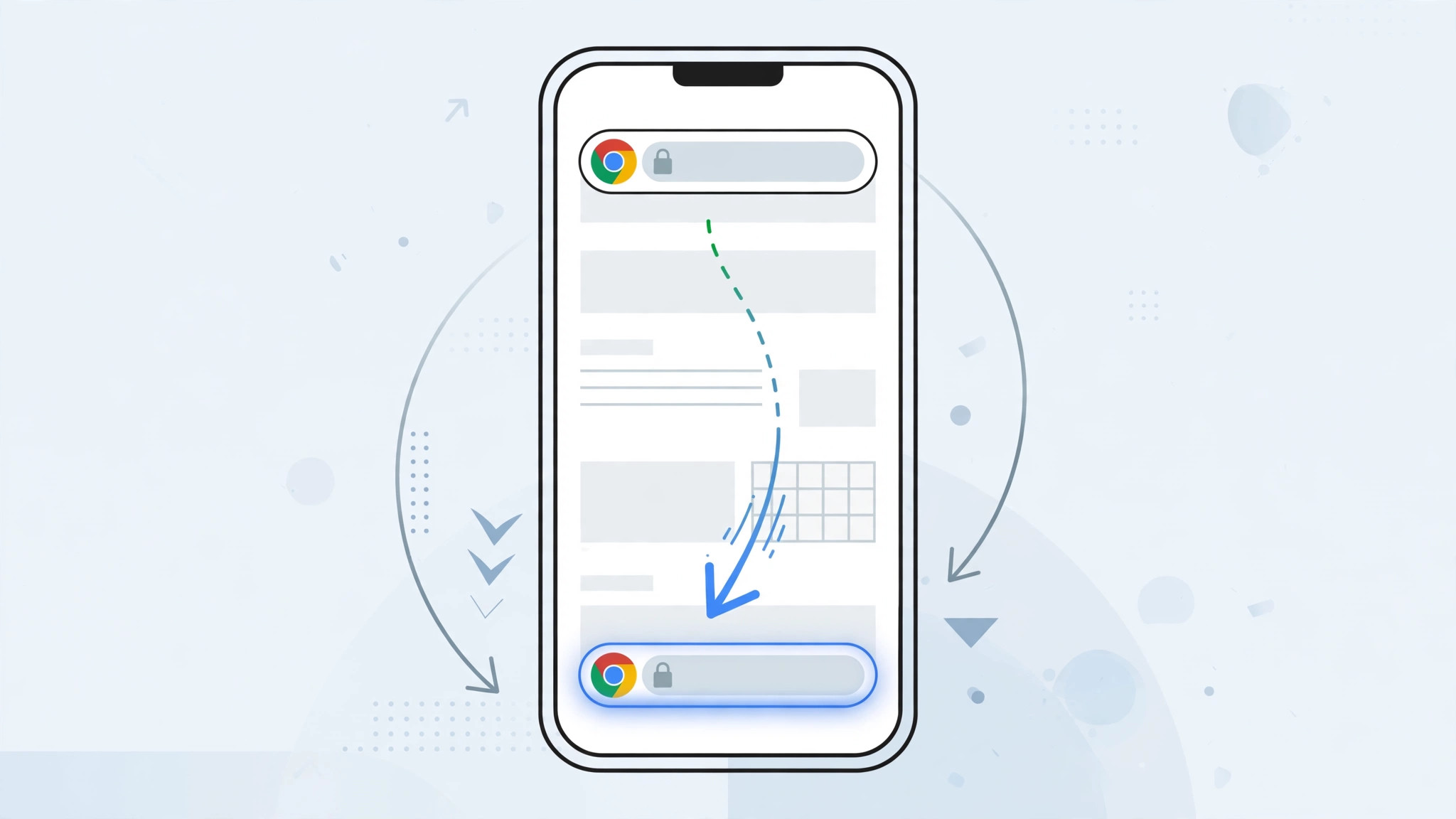
Big phones and top-mounted address bars are a bad combination — reaching the top of a 6.7-inch screen one-handed is a stretch nobody enjoys. Safari solved this back in iOS 15 with a bottom address bar option, and Google finally followed suit: Chrome for iOS 119 added the same choice. If your thumbs are tired of the climb, here are the two ways to move Chrome’s address bar to the bottom of the screen on your iPhone — the 10-second trick and the Settings route.
Method 1: The long-press trick (fastest)
- Update Chrome from the App Store first — you need version 119 or later.
- Open Chrome on your iPhone.
- Long-press the address bar (press and hold it for a second).
- Tap “Move address bar to bottom” in the menu that appears.
That’s it — the bar slides to the bottom instantly. No restart, no digging through menus. Google’s Chrome Help pages document the address-bar position options for iOS.

Method 2: Through Chrome Settings
Prefer the scenic route? It leads to the same place:
- Tap the ⋯⋯⋯ (More) menu — the three dots at the bottom-right of Chrome.
- Tap Settings.
- Tap Address Bar.
- Select Bottom, then tap Done (top-right).
To move it back up later, just long-press the bar again and choose “Move address bar to top.” Switching is instant and free — experiment until your thumbs are happy. If you’re also a Safari user, see how to change Safari’s design on iPhone for Apple’s take on the same idea.
If it still doesn’t work
- The long-press menu doesn’t show the option. This is the classic symptom of an outdated Chrome — the feature arrived in version 119 and the rollout was gradual. Update Chrome from the App Store and try again. 9to5Google covered the rollout as it reached users.
- No “Address Bar” row in Settings. Same cause, same fix: update. On very old Chrome versions the row simply doesn’t exist.
- It moved back to the top by itself. A Chrome reinstall or a major update can reset the preference. Just move it down again — it takes ten seconds. While you’re tidying Chrome, you may also want to stop Safari from suggesting passwords for websites if autofill is getting noisy.
Frequently asked questions
Does the bottom address bar work the same as the top one?
Yes — it’s the exact same bar, just relocated. Typing, suggestions, voice search, and the share button all work identically. The only thing that changes is where your thumb has to travel. Tom’s Guide noted the same when covering the feature’s arrival.
Will this affect my synced Chrome on other devices?
No. The address-bar position is a per-device iOS setting — your desktop Chrome and Android Chrome keep whatever layout they already have. It also survives alongside other customizations; see which built-in iPhone apps you can delete if you’re doing a broader iPhone cleanup.
Conclusion
Ten seconds, one long-press, and Chrome finally meets your thumb halfway. Move it down, give it a day, and you’ll wonder why the top ever felt normal.





