
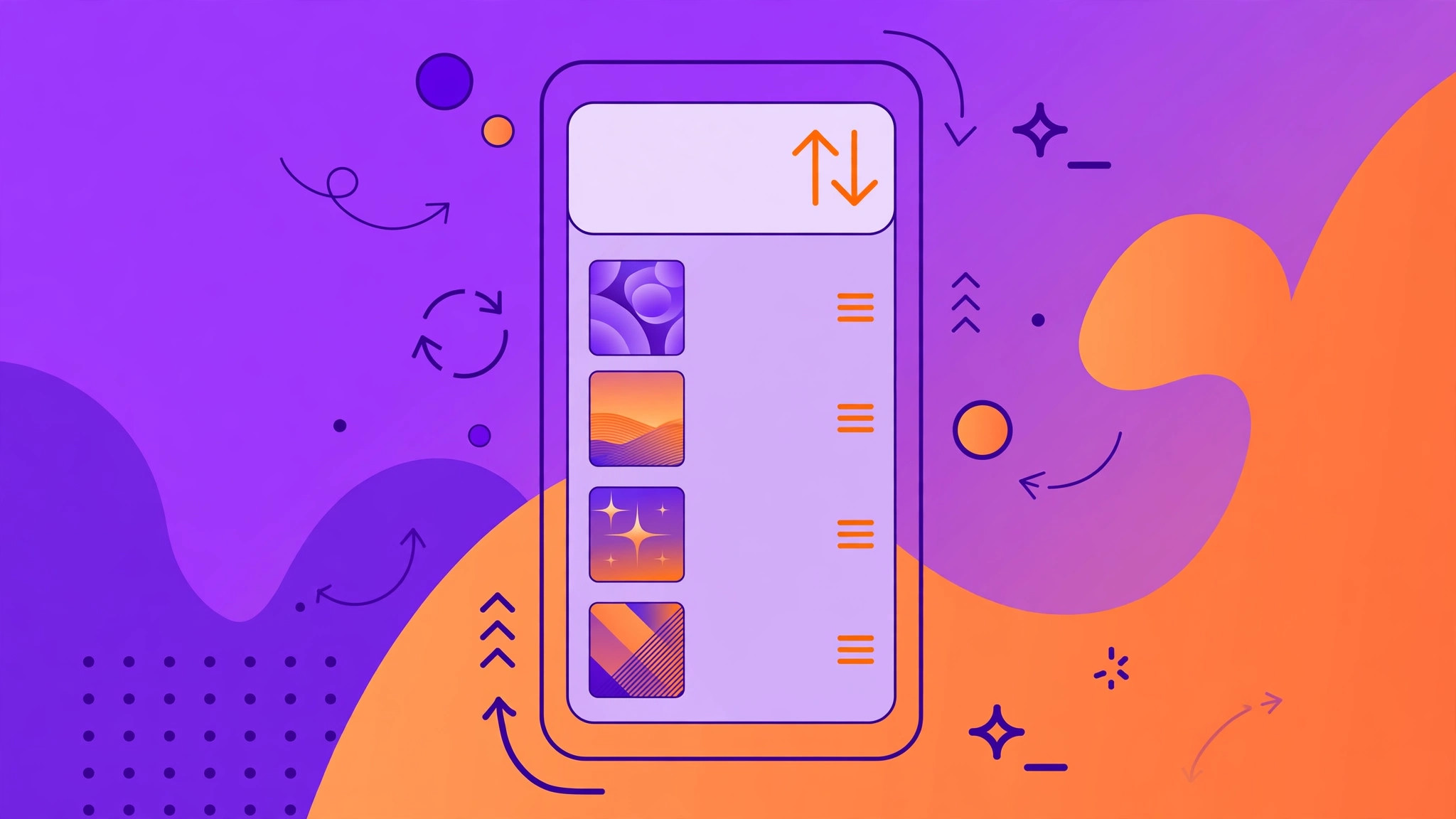
Updated your iPhone to iOS 10 and suddenly the Music app feels like a puzzle? You are not alone. One of the most common complaints after the update was that the repeat button had seemingly vanished — and worse, the same song would just keep playing instead of the playlist moving on. The good news: Apple did not remove the playback-order controls. It simply hid them behind a gesture that almost nobody discovers on their own.
What changed in the iOS 10 Music app
iOS 10 brought a sweeping visual redesign of the Music app: bolder typography, larger artwork, and a cleaner Now Playing screen. In the name of tidiness, Apple moved the shuffle and repeat controls off the main view. On earlier iOS versions those buttons sat right beneath the artwork; in iOS 10 that space shows lyrics and the playback position instead. The controls still exist — they are tucked into a hidden panel that slides up from the artwork itself, and Apple has never been shy about burying features behind gestures. If you enjoy uncovering hidden iPhone tricks, you will also like our guide on automatically identifying songs playing nearby on iPhone.
How to reveal the shuffle and repeat controls
Follow these steps exactly — the gesture is a little unusual, but it works every time:
- Open any song from a playlist on your iPhone and start playback.
- Tap the gray strip with the song title at the bottom of the screen. This switches to the full Now Playing view with the large cover art.
- Press and hold the cover art, then pull it slightly upward with your finger.
- The playback-order panel appears on the right side of the screen, showing the shuffle and repeat buttons.
- Choose the mode you want: tap shuffle to randomize the track order, tap repeat once to repeat the whole playlist, and tap it a second time to repeat only the current song (a small “1” badge appears).
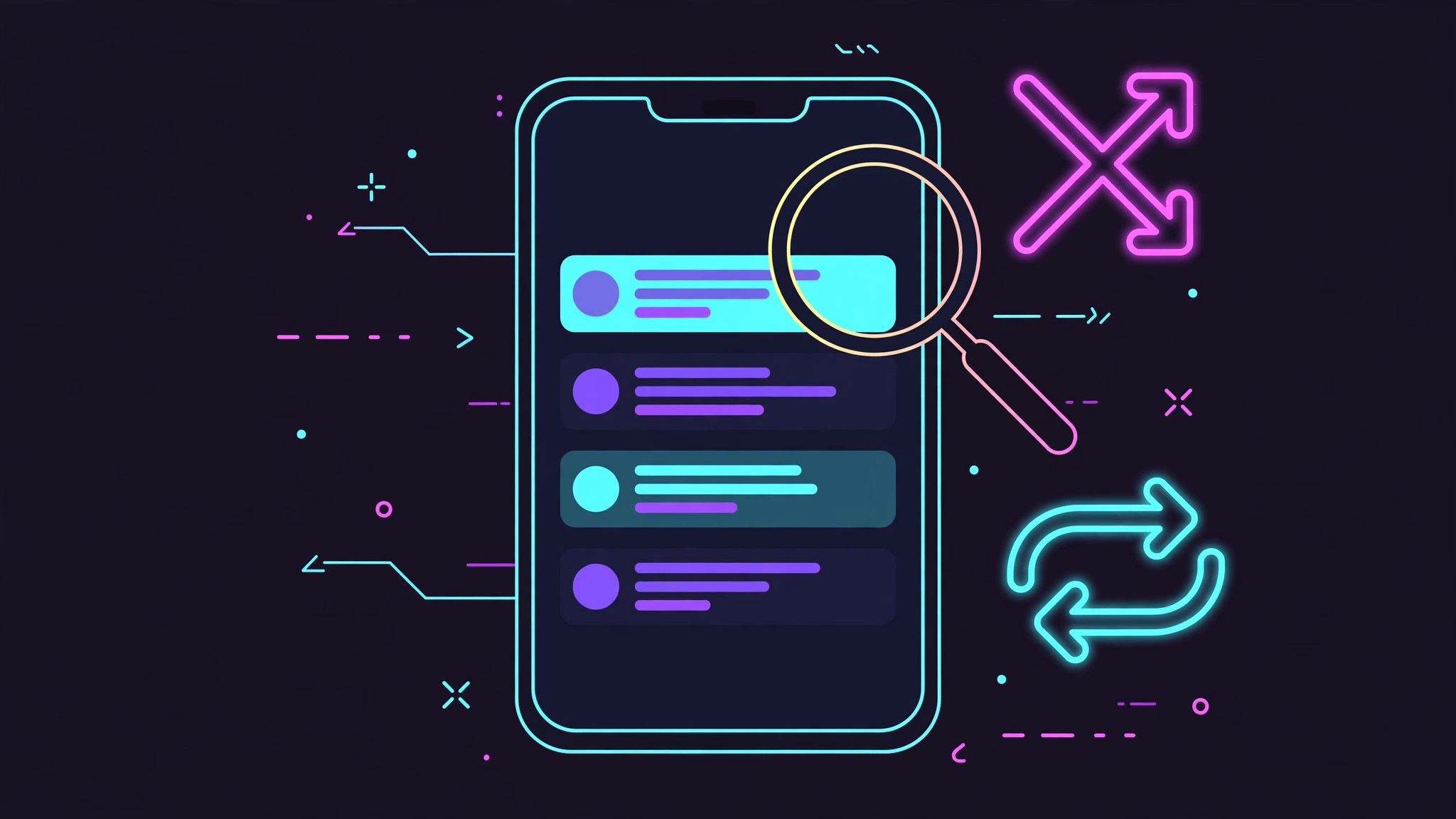
Once you know the gesture, it becomes second nature — but nothing in the interface hints that it exists, which is why so many people assumed the feature had been deleted outright.
If it still doesn’t work
If pulling the artwork does nothing, force-quit the Music app and reopen it; a stale Now Playing screen sometimes refuses the gesture. Also make sure you are actually playing from a playlist or album — shuffle and repeat behave oddly when a single song was started from search results. And if your audio keeps jumping to the wrong output while you experiment, our fix for iPhone auto-switching audio away from headphones sorts that out. Apple’s own Music app documentation and MacRumors coverage of iOS 10 both confirm the controls were relocated, not removed.
Frequently asked questions
Why does the same song keep playing over and over?
Repeat-one mode is active — look for the small “1” badge on the repeat icon. Open the hidden panel with the gesture above and tap repeat until the badge clears.
Can I shuffle a whole playlist from the playlist screen?
Yes. Open the playlist and tap “Shuffle All” at the top, or start any song and enable shuffle in the hidden Now Playing panel. Both routes lead to the same shuffled queue.
Conclusion
The disappearing playback-order controls in iOS 10 were never really gone — just hidden behind a press-and-pull gesture on the cover art. Now that you know the trick, your playlists are back under your control, and the mystery of the endlessly repeating song is solved for good.





