
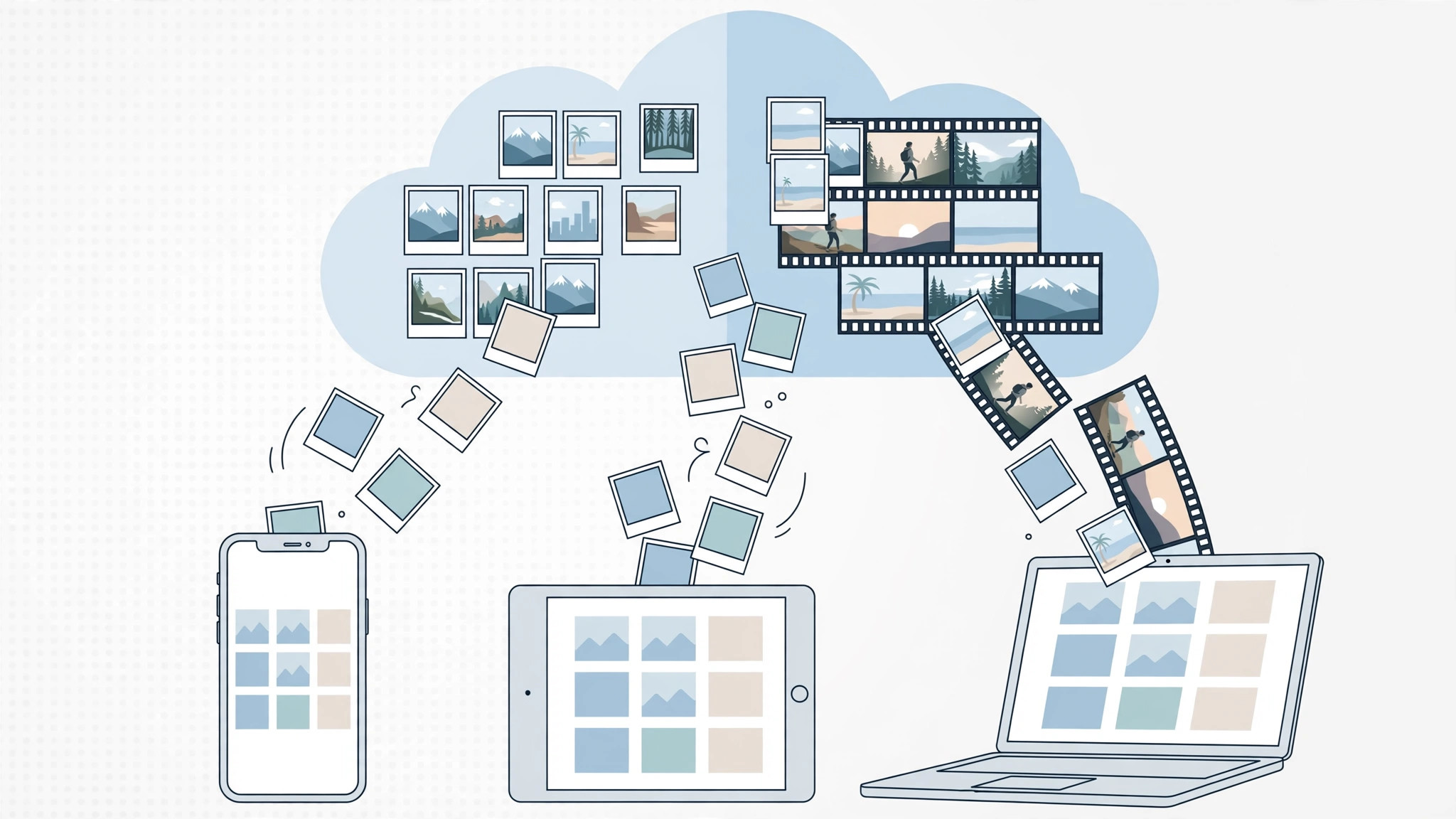
For years, Apple’s photo sync story had two confusingly similar names: My Photo Stream and iCloud Photo Library (today’s iCloud Photos). They sounded alike but worked very differently — and one of them no longer exists at all. Here is what each service did, how they differed, and which one you should use today.
My Photo Stream: the free, limited sync
Launched in 2011, My Photo Stream synced only your most recent photos — the last 1,000, kept for 30 days. It handled still photos only: no videos, no Live Photos, no synced edits or albums. The upside was that it was completely free — it never counted against your 5 GB iCloud storage. It worked across iPhone, iPad, Mac, Apple TV, and even Windows PCs.
iCloud Photo Library: the full library everywhere
Introduced with iOS 8, iCloud Photo Library — now called iCloud Photos — syncs your entire photo and video library across all your devices in full quality, including your edits and albums. It supports videos, Live Photos, and a wide range of formats, from JPEG and HEIF to RAW and MP4. The catch: everything counts against your iCloud storage, so most people need a paid plan beyond the free 5 GB. It also needs a reasonably modern device (no iPhone 4 or older) and is accessible from iCloud.com. Apple Support documents the current iCloud Photos setup, and MacRumors covered the transition between the two services as it happened.
The key differences
- What syncs: Photo Stream kept only the last 1,000 photos for 30 days. iCloud Photo Library keeps your entire library, permanently.
- Videos and Live Photos: Photo Stream handled still photos only (JPEG, TIFF, PNG, RAW). iCloud Photo Library handles videos, Live Photos, and many more formats.
- Storage: Photo Stream was free and never touched your iCloud storage. iCloud Photo Library counts against your iCloud plan.
- Edits and albums: only iCloud Photo Library syncs your edits and albums to every device.
- Device support: Photo Stream ran even on older hardware; iCloud Photo Library needs newer devices and is also available on iCloud.com.
Important: My Photo Stream is gone
Apple shut down My Photo Stream in July 2023, so do not look for it in current settings — it is retired. If you were still relying on it, switch to iCloud Photos now: open Settings, tap your name, tap iCloud, tap Photos, and turn on iCloud Photos. For more camera help, see our guides on why spatial photo mode isn’t working in iOS 26 and taking HDR screenshots on iPhone and iPad.
If it still doesn’t work
Photos not syncing after you enable iCloud Photos? Check that you have enough iCloud storage — the free 5 GB fills up fast — and that the device is on Wi-Fi with Low Power Mode off, which can pause background syncing.
Frequently asked questions
Does My Photo Stream still work?
No. Apple shut it down in July 2023. Former users should enable iCloud Photos instead — it is the only supported option now.
Do I have to pay for iCloud Photos?
Only if your library exceeds the free 5 GB. The paid tiers comfortably cover most photo libraries.
Conclusion
My Photo Stream was a handy free stopgap; iCloud Photo Library is the real deal — your whole library, everywhere, in full quality. With Photo Stream retired, iCloud Photos is the only answer, and it is worth the storage.





