
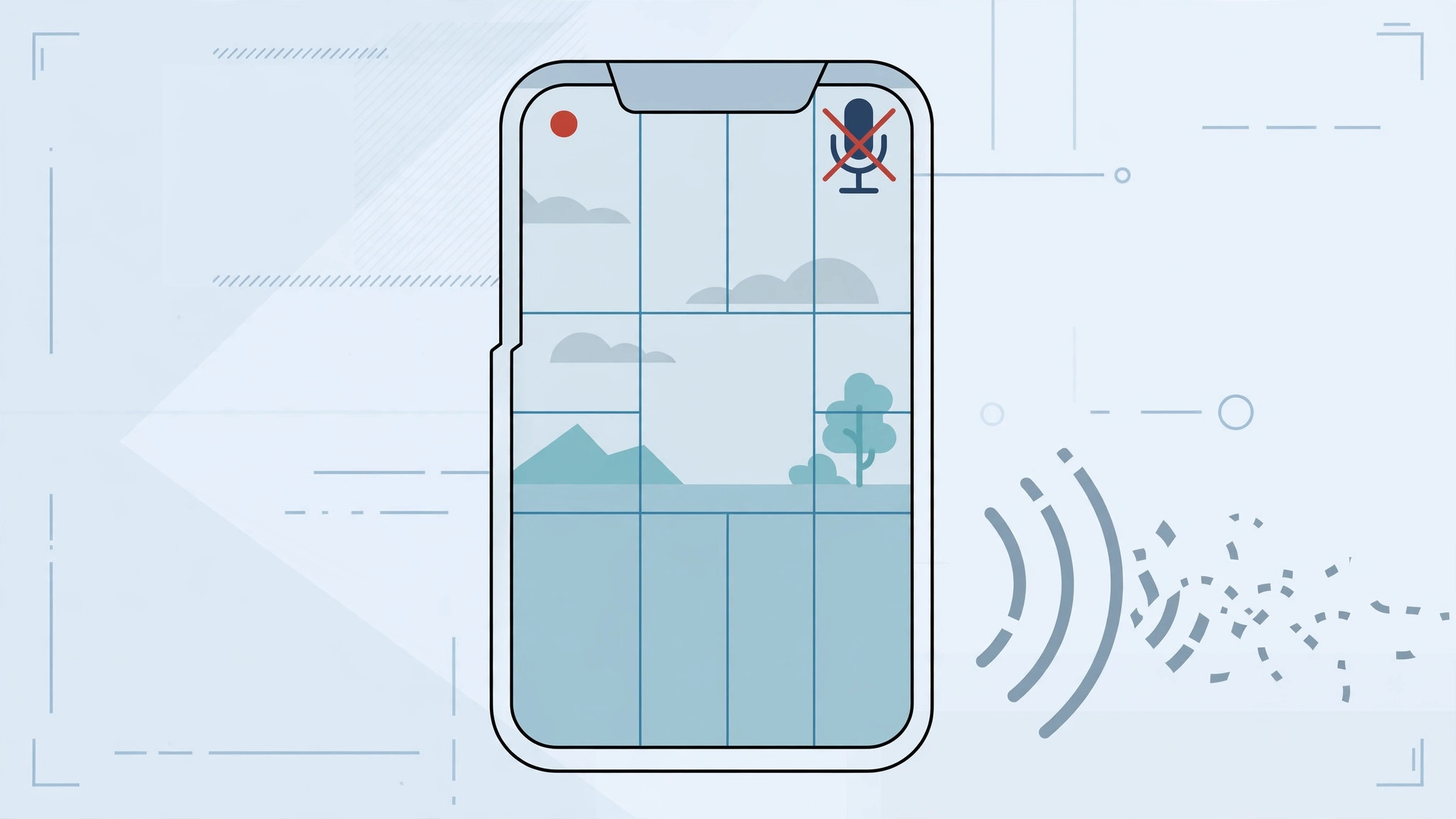
You filmed a perfect clip on your iPhone, pressed play — and there’s no sound at all. Before you panic about a broken phone, know this: silent video recordings are almost always caused by a blocked or dirty microphone, not dead hardware. Here’s how to track down the culprit step by step.
Step 1: Find the tiny hole that’s probably blocked
When you record with the rear camera, sound comes through a small microphone hole located between the rear camera lens and the flash. It’s easy to cover with your finger while filming, and many cases and screen protectors cover it partially too. First, look at the back of your iPhone and check whether anything — your grip, the case, a film — is sitting over that pinhole. This single check solves a surprising number of silent-video cases. Apple’s iPhone microphone troubleshooting starts with the same advice: make sure nothing is blocking the mics.
Step 2: Take off the case and clean the opening
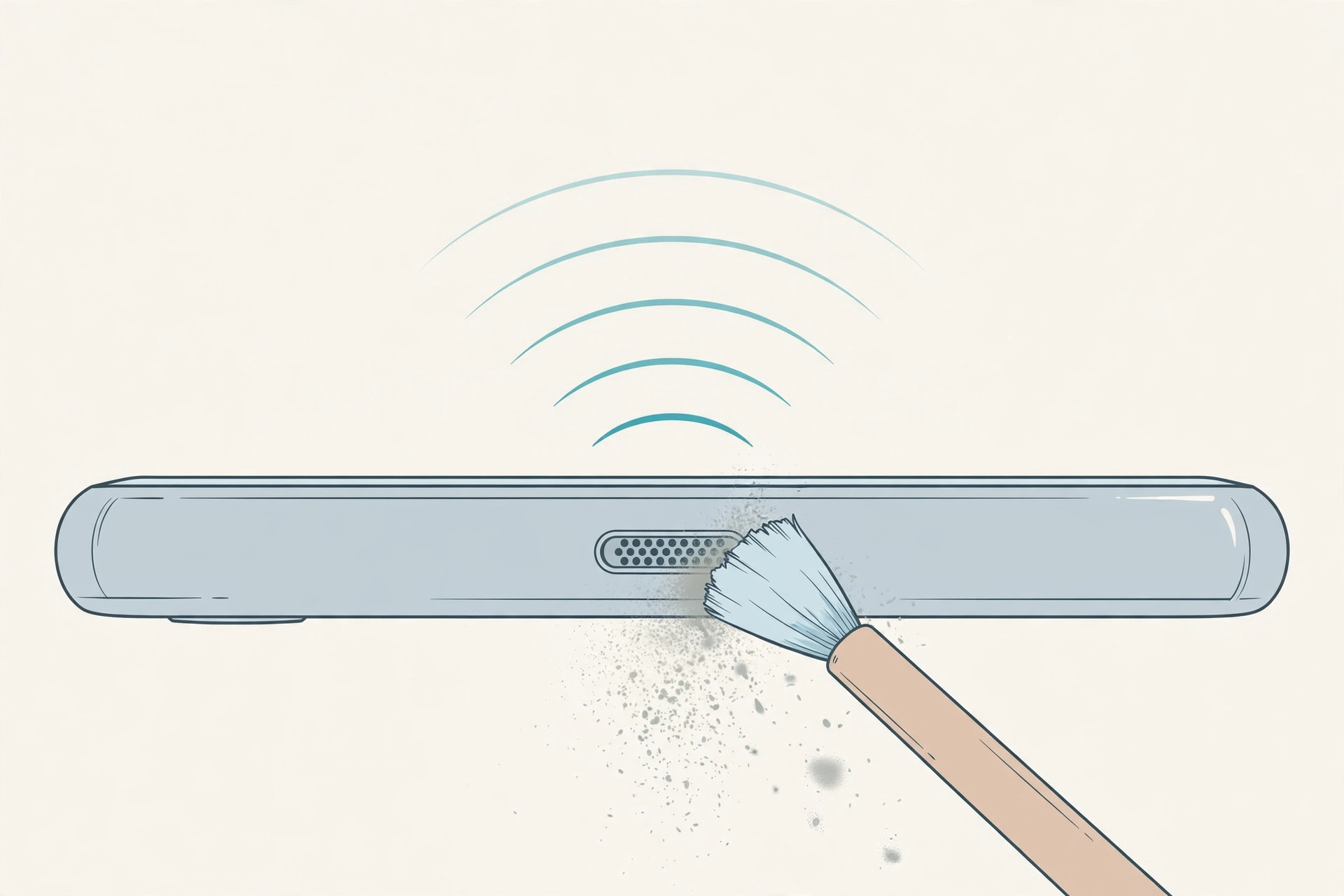
Remove the case and any rear film, then gently clean the microphone opening with a soft brush or a short burst of compressed air. Dust and pocket lint compact into these tiny holes over time, and a good cleaning restores the sound more often than you’d expect. Be gentle — don’t poke anything sharp into the hole. Repair guides on iFixit show just how small these microphone ports are and how easily they clog.
Step 3: Test which microphone is at fault
Open Voice Memos and record a short voice note — if that’s silent too, the bottom microphone may be affected. Then record two short clips: one with the front camera and one with the rear. Modern iPhones have multiple mics (front, rear, and bottom), and comparing clips tells you exactly which one is misbehaving. If only the rear-camera clip is silent, the rear mic is your target. For related audio gremlins, see how to stop iPhone from auto-switching audio to headphones.
Step 4: Disconnect Bluetooth accessories
Audio can quietly route to a connected Bluetooth device — earbuds in your pocket, a car system, a speaker in the next room. Open Control Center, turn Bluetooth off, and record a test clip. If the sound comes back, your phone was sending the audio to the wrong destination all along.
Step 5: Restart and retest
Restart the iPhone and record another test video. A restart clears audio-driver glitches and stuck recording sessions that cleaning alone can’t fix. Also make sure the phone isn’t muted or in a Focus mode that affects audio capture — and while you’re checking sounds, changing the iPhone startup sound is a fun one to try afterward.
If it still doesn’t work
If the microphone records nothing in Voice Memos even after cleaning and a restart, the hardware itself is likely damaged — a failed mic flex or water exposure. Book a visit to an authorized Apple service center rather than opening the phone yourself. Coverage from The Mac Observer on iPhone repairs is a good reminder that mic replacements are a routine shop job, not a DIY one for most people.
Frequently asked questions
Why does my video have picture but no audio?
Video and audio are captured by separate hardware. The camera sensor records the picture while one of the phone’s microphones records sound — if that mic is blocked, dirty, or broken, you get a perfectly silent movie.
Can a software update fix a silent mic?
Rarely, but it’s worth checking Settings → General → Software Update. If the mic is physically blocked or damaged, though, no update will bring the sound back — cleaning and hardware service are the real fixes.
Conclusion
Silent iPhone videos usually trace back to the little mic hole between the rear camera and the flash: check it isn’t covered, clean out the dust, and test each microphone in turn. Most cases are solved in minutes without any tools — and if cleaning and a restart don’t help, an authorized service center can sort the hardware.





