
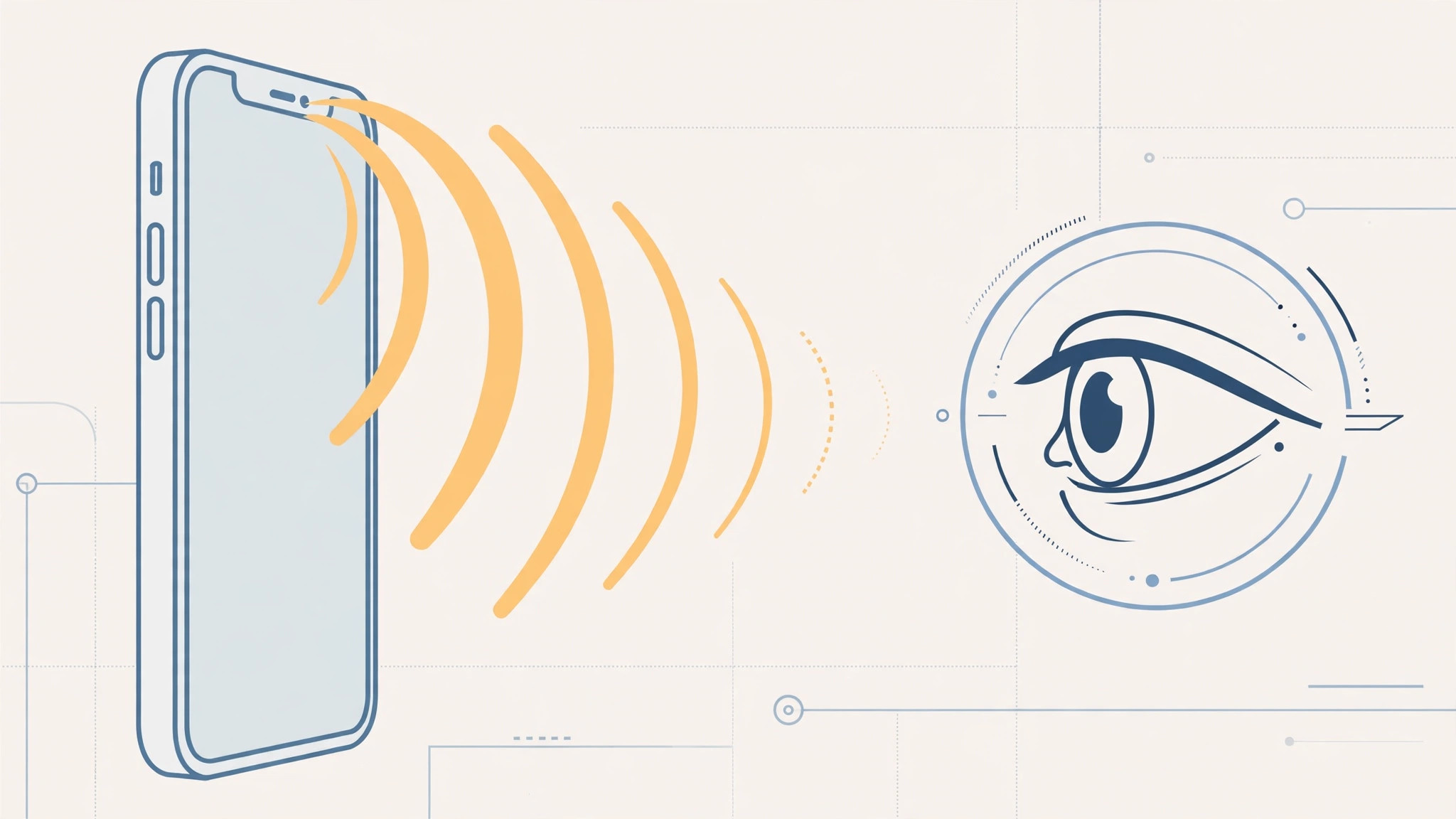
Your iPhone starts ringing at full blast across the room — then you glance at it and the ringtone politely fades. It feels like magic, but it’s a deliberate feature called Attention Aware. Here is the catch you need to know first: it only works on iPhones with Face ID — iPhone X and newer. If you have a Touch ID model, including any iPhone SE, this feature simply doesn’t exist on your phone. This guide shows you how to turn it on and fine-tune your ringtone settings.
What Attention Aware Features actually do
When Attention Aware Features are on, your iPhone uses the TrueDepth camera to check whether you’re looking at the screen. During an incoming call, a glance at the display lowers the ringtone volume automatically. The same setting also stops the screen from dimming while you’re looking at it and lowers the volume of notification sounds. Apple Support documents the feature for Face ID iPhones, and sites like 9to5Mac and MacRumors have confirmed how it behaves across iOS versions.
Step-by-step: turn on Attention Aware
- Confirm you have a Face ID iPhone. Open Settings > General > About and check the model name. You need iPhone X or newer with Face ID. Touch ID models — including every iPhone SE — don’t have the TrueDepth camera this feature needs.
- Open Settings > Face ID & Passcode. Enter your passcode when asked.
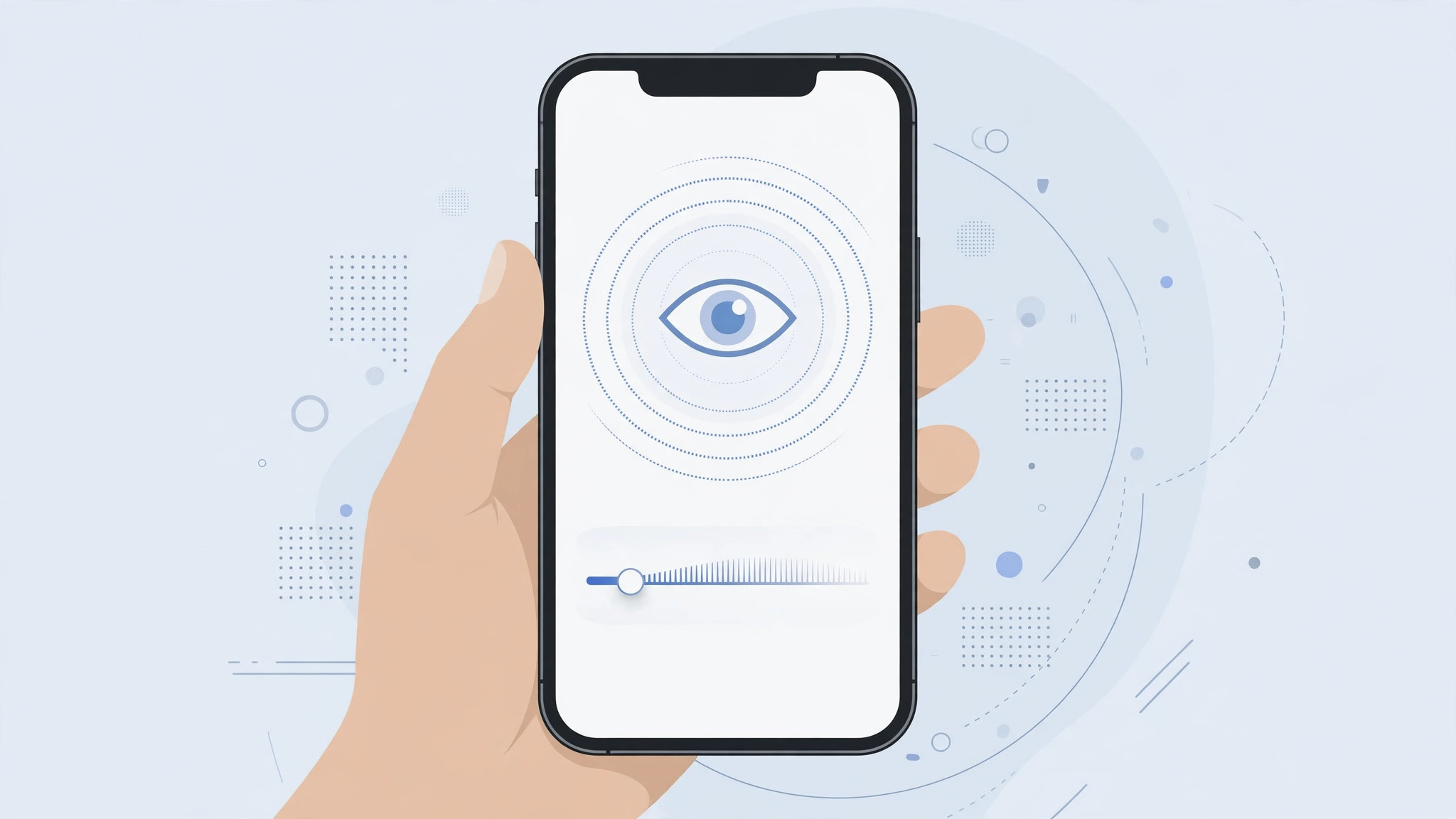
- Turn on “Attention Aware Features”. Flip the switch. From now on, your iPhone will fade the ringtone when it sees you looking at the screen during an incoming call.
- Optional: lock your ringtone volume. Go to Settings > Sounds & Haptics and turn off “Change with Buttons”. This stops the side buttons from accidentally lowering your ringtone volume — so Attention Aware is the only thing changing it.
- Test it. Ask someone to call you and glance at the screen as it rings. You should hear the ringtone drop to a quieter level within a second.
More sound tricks for your iPhone
Once your ringtone behaves, you might want to personalize it further — see our guide on how to add and change the iPhone startup sound in iOS. And if your phone keeps switching audio output on its own, read how to stop iPhone from auto-switching audio to headphones.
If it still doesn’t work
First, check you’re on a Face ID model — no setting can enable this on Touch ID iPhones. If the feature is on but nothing happens, make sure nothing covers the TrueDepth camera (a misaligned screen protector or case can block it) and that Face ID itself is set up and working. Also confirm the ringtone isn’t already at minimum volume, since there’s nothing left to fade. A restart of the iPhone resolves most glitches where the camera doesn’t register your gaze.
Frequently asked questions
Does Attention Aware also silence alarms?
No. Attention Aware lowers ringtones and notification sounds, but alarms still ring at their set volume — Apple doesn’t let your glance dismiss an alarm, so you’ll never oversleep because you looked at the phone.
Will it work in the dark?
Yes. The TrueDepth camera uses infrared to detect your face, so Attention Aware works in low light and even in complete darkness, as long as the camera has a clear view of your face.
Conclusion
Attention Aware is one of those small iPhone touches that feels delightful once you know it’s there. One toggle, and your ringtone politely quiets itself the moment you look at the screen — no fumbling for the volume buttons. Just remember: it’s a Face ID exclusive, so iPhone SE and older Touch ID models will have to keep reaching for the side buttons.





