
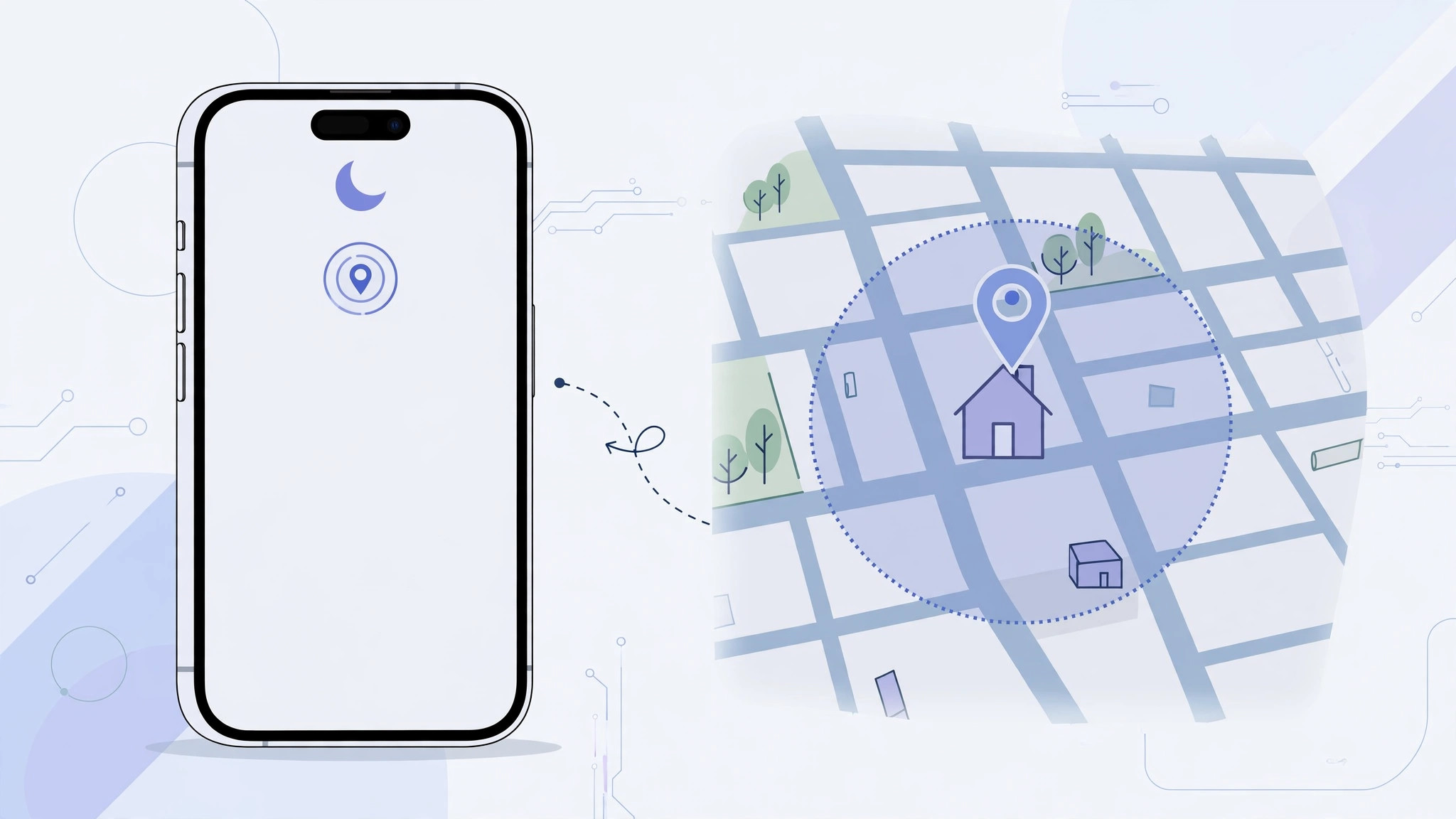
Why location-based Do Not Disturb is so handy — and so fiddly
There is something quietly satisfying about walking into the office and feeling your iPhone hush itself without a tap. Focus modes can switch on automatically when you arrive at a place — or leave it — making Do Not Disturb genuinely hands-free. When it works. When the automation fails and your phone buzzes through a meeting, the magic fades. The good news: a location trigger that never fires almost always comes down to a permission, a misplaced map pin, or a duplicate schedule. Here is how to find the culprit.
Step 1: Confirm the location automation actually exists
First, check that the automation was saved the way you think it was. Open Settings > Focus > Do Not Disturb and scroll to the automatic schedules. Tap Add Schedule, choose Location, type the address, drop the pin where you want the trigger, and size the radius circle so it comfortably covers the building — a pin a street away with a tiny radius will never fire. Tap Done, and the location should appear in the schedule list. Delete any stale addresses from places you no longer visit.
Step 2: Let Focus use your location
A trigger cannot fire if iOS may not check where you are. Go to Settings > Privacy & Security > Location Services and switch the master toggle on. Find Focus in the app list, set it to While Using, and enable Precise Location — coarse location is not accurate enough for a building-sized trigger. Also open System Services > Significant Locations; iOS uses your location history to make arrival detection snappier. Apple’s Focus documentation confirms automatic schedules depend on these permissions.
Step 3: Check the pin, the radius and the address
Reopen the location schedule and study the map. Drag the pin to the true entrance of the place, and widen the radius if the building is large or GPS reception is poor indoors — a generous radius beats a tight one. If you typed the address by hand, search for the place name instead so the pin lands on the real coordinates.
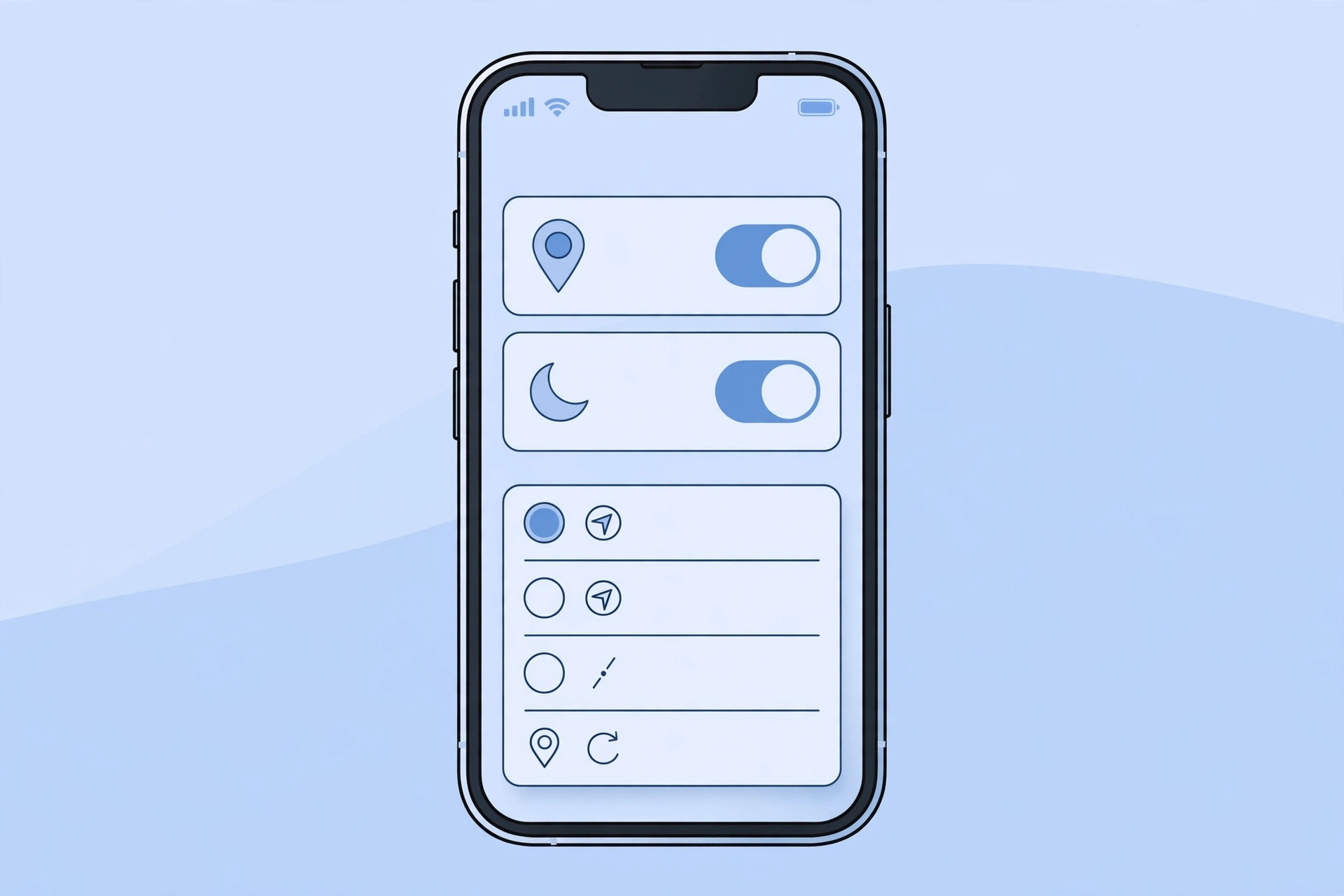
As readers on MacRumors have noted, indoor GPS drift means a pin that looks perfect on the map can still miss you by a room or two.
Step 4: Remove conflicts and refresh the system
Delete duplicate location schedules for the same Focus — overlapping automations can cancel each other out. Check that another Focus, like Sleep, is not set to override Do Not Disturb at the same time, since only one Focus can be active. Restart your iPhone; the background location service occasionally gets stuck, and a reboot is the fastest reset. 9to5Mac has covered how toggling the schedule off and on re-registers it, and creators on TikTok demonstrate the same trick in short walkthroughs.
Pair this with our other Focus guides: different volumes for Focus profiles, allowing calls from only one SIM card in Focus mode, and changing Apple Watch faces with Focus modes.
If it still doesn’t work
- Reset Location & Privacy under Settings > General > Transfer or Reset iPhone > Reset, then re-grant the permissions.
- Turn off Low Power Mode while testing — power saving can delay background location checks.
- Test with a big, easy target first, such as your home with a wide radius, to confirm the mechanism works.
FAQ
Does the trigger fire if I only pass by the place?
It can — iOS activates the Focus when you enter the radius circle, even briefly. If drive-bys keep setting it off, shrink the radius or move the pin deeper inside the building.
Will Do Not Disturb switch off when I leave?
Yes. The schedule turns the Focus on when you arrive and off when you leave. If it stays on, make sure Location Services remained enabled in the background.
Conclusion
A Do Not Disturb automation that ignores your location is almost never broken — it is usually a denied permission, a misplaced pin, or a duplicate schedule. Walk through the checks once, and your iPhone will silence itself the moment you walk through the door.






[…] same family of switches controls other location features too — if you have ever wondered why a Do Not Disturb schedule that should trigger by location never fires, the culprit is usually one of these very […]