
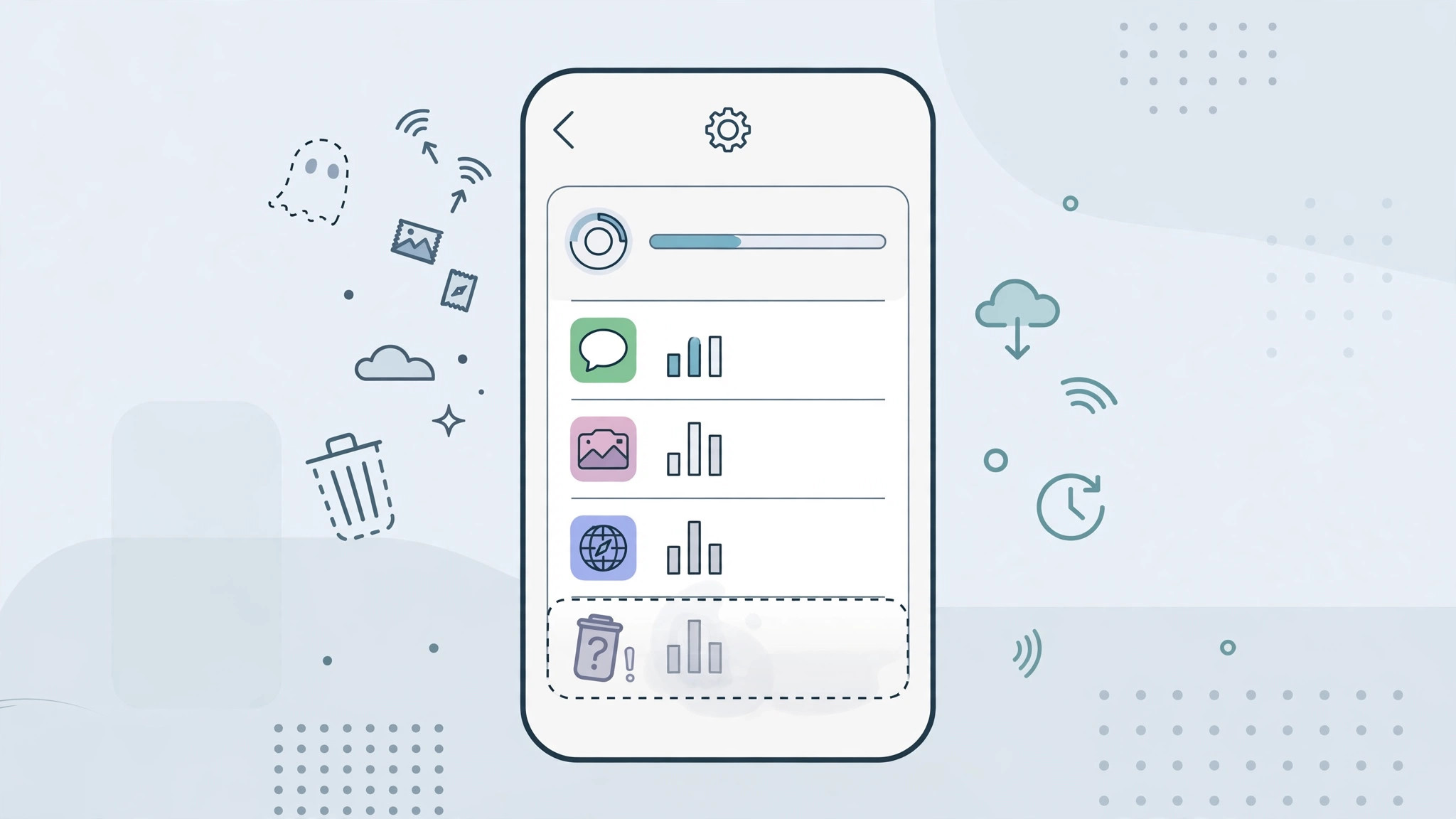
You deleted that game weeks ago — so why is it still sitting in your iPhone’s cellular data list, showing megabytes next to its name? Before you assume something is secretly eating your data plan, relax: this is completely normal iPhone behavior, and the explanation is simpler than you think.
Why deleted apps stay on the list
Your iPhone keeps a running tally of cellular data usage under Settings → Cellular (labeled Mobile Data in some regions). That tally is cumulative: it counts every byte since the last time the statistics were reset — which, for many people, was the day they first turned on the phone. When you delete an app, iOS removes the app but keeps its historical usage entry, because the numbers describe the whole period, not just the apps currently installed. The entry is simply a record of data the app used while it was on your phone.
So a deleted app with “245 MB” next to it isn’t using data right now — it used 245 MB at some point during the current statistics period. The counters only ever go up until you reset them, which is why the list can hold months or even years of history.
How to clear deleted apps from the list
- Open Settings → Cellular. On some iPhones this screen is labeled Mobile Data.
- Scroll down to the app list. You’ll see every app’s cellular usage for the current period, including apps you’ve since deleted — a good moment to check our guide on which built-in iPhone apps you can delete if you’re on a cleanup spree.
- Scroll all the way to the bottom. Below System Services you’ll find the totals for the Current Period and the date the counting started.
- Tap Reset Statistics. Confirm the reset. Every counter returns to zero — and the deleted apps vanish from the list, since there is no longer any usage to report.
- Check the list again. Only currently installed apps appear now, all showing 0 bytes until they actually use data.
A useful habit: reset your statistics on the first day of each billing cycle. That turns the iPhone’s counters into a rough monthly data meter you can compare against your carrier’s numbers — similar in spirit to how you’d monitor network speed and data usage on Mac.
If it still doesn’t work
If a deleted app’s entry survives a reset, make sure the app is truly gone — check the App Library and every Home Screen page, since offloaded apps (which keep their icon with a small cloud badge) are not deleted. If an app you kept can’t use cellular data at all, that’s a different problem: see our fix for FaceTime not working on cellular data, which covers the per-app cellular toggles behind most “no data” mysteries. And don’t overlook System Services at the bottom of the list — things like Push Notifications and DNS can account for a surprising chunk of usage on their own.
Frequently asked questions
Will resetting statistics affect my bill or data plan?
No. Reset Statistics only zeroes the counters on your iPhone — your carrier measures usage on its own network equipment, and that number is what your bill is based on. Apple’s support documentation confirms the iPhone’s figures are informational only.
Can I remove a single deleted app without resetting everything?
Unfortunately, no — iOS offers no per-app reset; it’s all or nothing. If you don’t want to lose the rest of your history, just ignore the stale entries: they use no data and cost you nothing. 9to5Mac has covered iOS data quirks like this one, and YouTube tutorials walk through the same reset process if you’d like a visual guide.
The bottom line
A deleted app lingering in your cellular data list isn’t a bug, and it isn’t costing you a byte — it’s just iOS keeping honest books for the current statistics period. One tap on Reset Statistics wipes the slate clean, and from then on the list reflects only the apps actually on your iPhone.





