
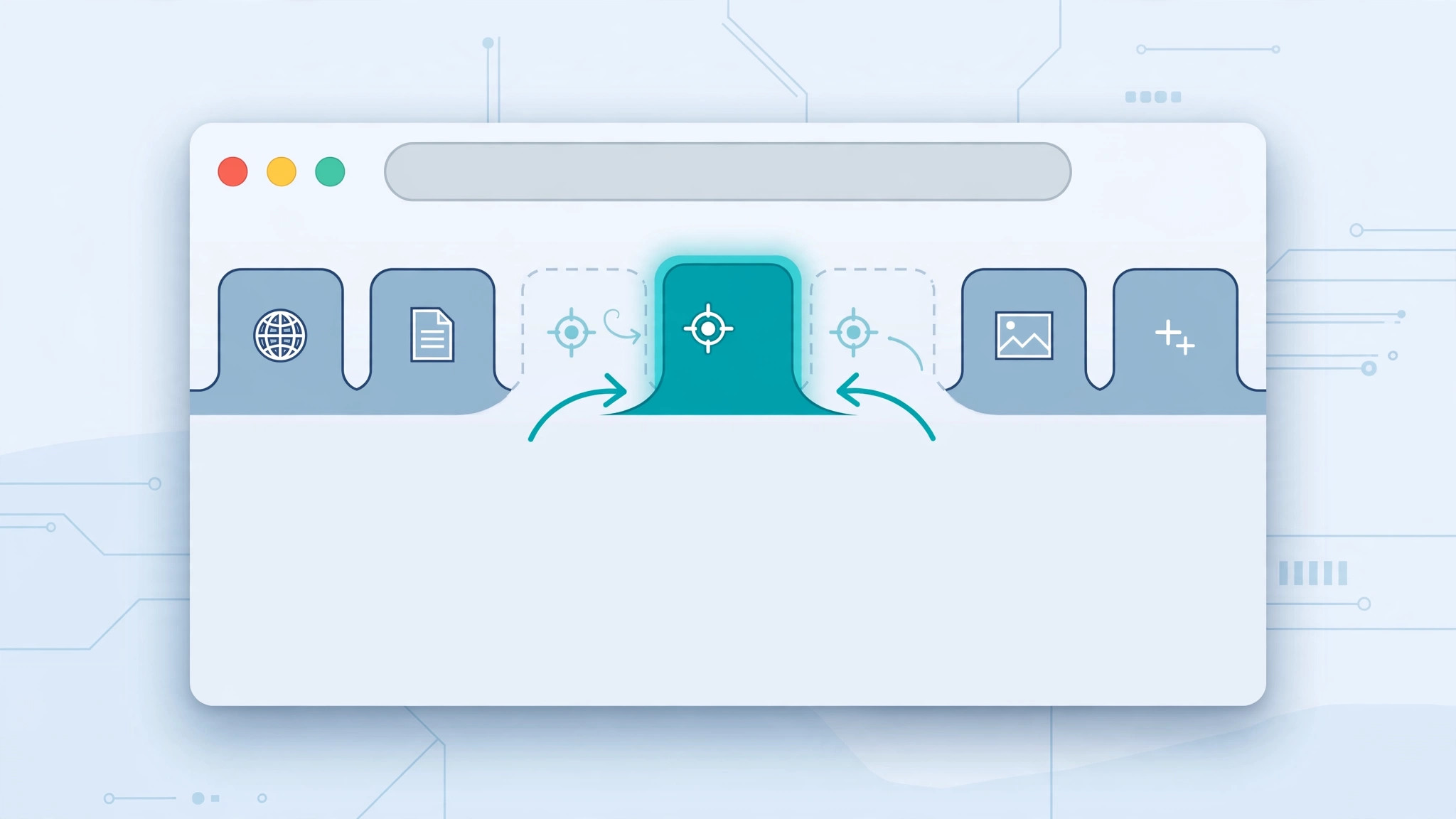
Open a link in Safari and the new tab lands… somewhere. Maybe it piles up at the top of the tab bar, maybe it sneaks in right next to the tab you’re on. If Safari keeps putting new tabs somewhere inconvenient, you don’t have to live with it — there’s a single setting that controls exactly where new tabs appear, and it takes ten seconds to change.
This is one of those small Safari preferences that Apple’s Safari user guide for Mac documents quietly, but most people never notice.
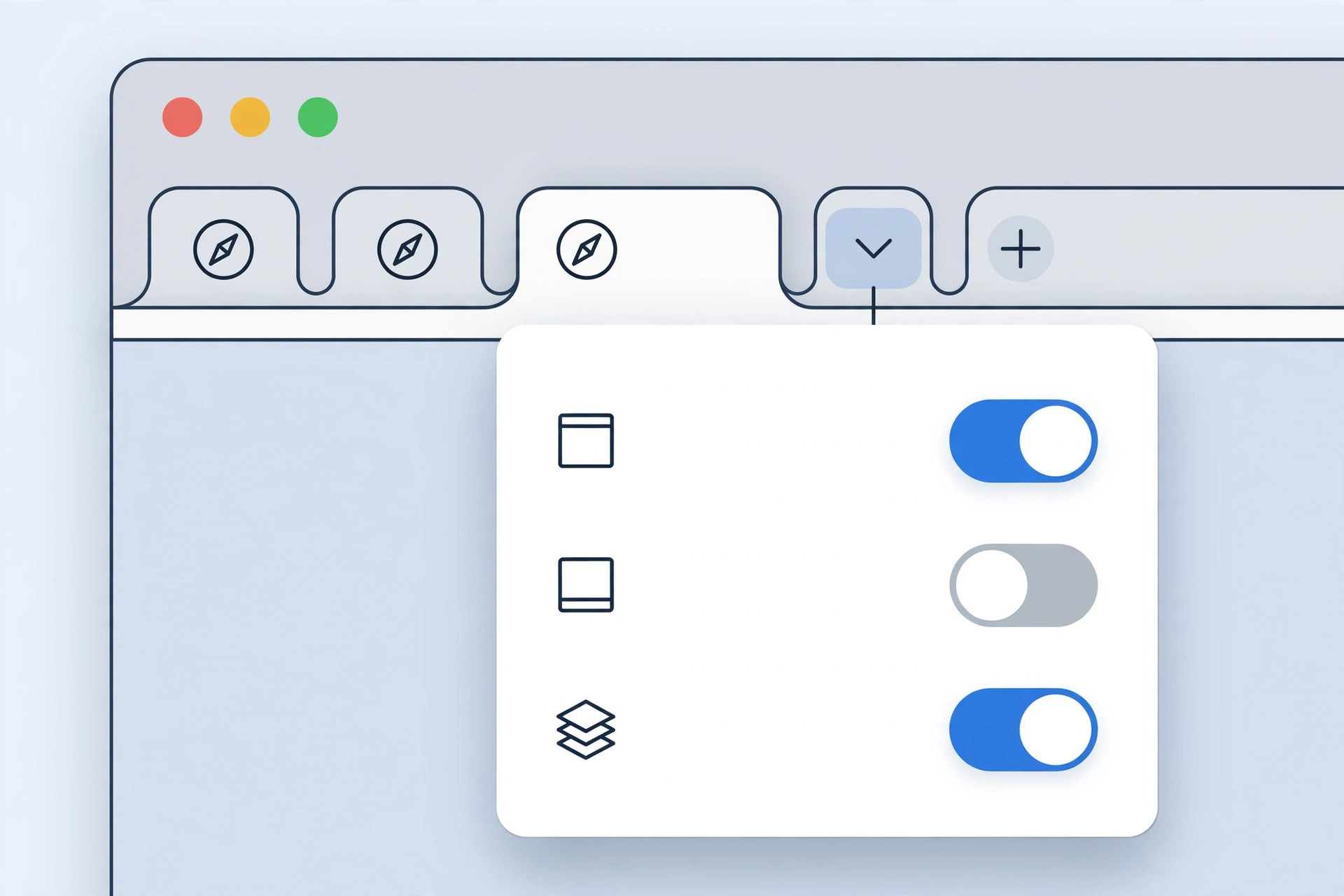
Change where new tabs open
- Open Safari on your Mac.
- Click Safari in the menu bar and choose Settings (or press ⌘,).
- Go to the General tab at the top of the Settings window.
- Find the “New tabs open with” dropdown and pick one of the two options:
- Top — every new tab is added at the far end of the tab bar.
- After Current Tab — the new tab opens immediately next to the tab you’re viewing.
- Close the Settings window — the change applies instantly, no restart needed.
While you’re in the General tab, you’ll also spot “New windows open with”, which controls where new windows (not tabs) land. The two are independent, so set each to what suits you.
Which option should you pick?
After Current Tab is the better choice if you open lots of links while researching — related tabs stay clustered together, so you can work through a topic left to right instead of hunting across the tab bar. Top suits people who treat tabs as a chronological to-do list: newest things always sit at the same end. 9to5Mac has covered Safari’s tab-handling tricks before, and video walkthroughs show the setting in action if you’d like to see it.
If it still doesn’t work
If the setting seems to have no effect, double-check you’re changing it in Safari on your Mac — this preference is Mac-only and does not sync to Safari on iPhone or iPad, which always open new tabs next to the current one with no option to change it. Also confirm you’re looking at the General tab and not the Tabs tab, which holds different options (like when links open in new tabs at all). If new tabs are still misbehaving, the culprit may be a tab-management extension — try disabling extensions temporarily. And since you’re tidying up Safari, you might also want to turn off tab previews or set different Safari start pages on iPhone and Mac for a cleaner browsing setup.
Frequently asked questions
Does this setting sync to my iPhone?
No. Safari website and interface preferences on Mac are per-device. On iPhone, new tabs always open next to the current tab, and there’s no equivalent toggle in Settings — you’ll have to live with Apple’s choice there.
Can I make new tabs open at the end instead of the top?
The “Top” option puts new tabs at the end of the tab bar, which in Safari’s layout is the top row. There’s no separate “end of row” choice — Top is as close as it gets, and it behaves the way most browsers’ “open at end” does.
Conclusion
One dropdown, two options, zero more hunting for lost tabs. Pick After Current Tab for research sessions or Top for chronological order, and Safari will put every new tab exactly where your brain expects it.





