
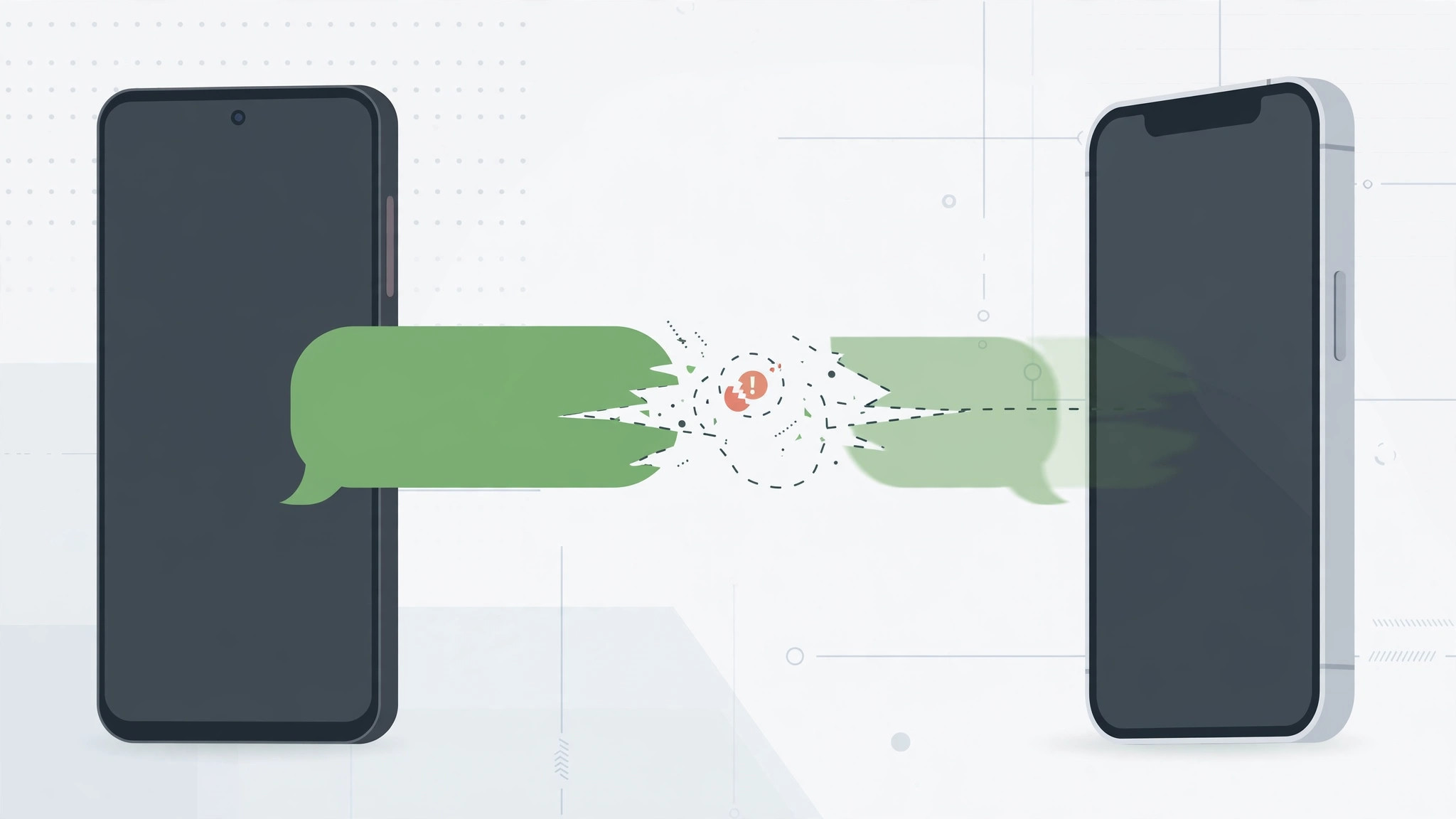
Your iPhone receives iMessages fine, but texts from Android friends never arrive. No error, no notification — they just vanish. This is one of the most common iPhone messaging problems, and it’s almost always caused by one of a handful of settings.
The good news: the fixes are simple, and they go from quickest to most involved. Work through them in order. Apple’s iMessage deregistration page is the key tool for one of the most common causes.
How to fix missing SMS from Android
1. Check the sender isn’t blocked
It sounds obvious, but it’s the most common cause. Go to Settings → Phone → Blocked Contacts and make sure the sender’s number isn’t on the list. If it is, unblock it and ask them to resend.
2. Confirm you have cellular signal
SMS needs a cellular connection — it doesn’t travel over Wi-Fi alone (unless Wi-Fi Calling is on). Check that you have signal bars, then toggle Airplane Mode on for a few seconds and off again to force the phone to reconnect to the network.
3. Turn on “Send as SMS” and MMS
Go to Settings → Messages. Make sure “Send as SMS” is turned on — this lets your iPhone fall back to SMS when iMessage isn’t available. Also enable “MMS Messaging” and “Group Messaging” for photos and group threads from Android users. MacRumors has detailed coverage of how iMessage and SMS interact on iPhone.

4. Check if the sender switched from iPhone to Android
This is the big one. If the person texting you recently switched from iPhone to Android, their number may still be registered with iMessage. Apple’s servers keep trying to deliver messages as iMessage instead of SMS, and they disappear into the void. Ask the sender to deregister their number on Apple’s official deregistration page — it takes a minute and fixes the routing.
5. Check for a carrier settings update
Go to Settings → General → About. If a carrier settings update is available, you’ll see a prompt — accept it. These updates fix network-level messaging and provisioning issues.
6. Restart your iPhone
The classic fix. A restart clears temporary glitches in the messaging stack. If SMS was working and suddenly stopped, this resolves it more often than you’d expect.
7. Reset network settings (last resort)
If nothing else works, go to Settings → General → Transfer or Reset iPhone → Reset → Reset Network Settings. This clears all Wi-Fi, cellular, and VPN settings (you’ll need to re-enter Wi-Fi passwords) and often fixes stubborn messaging problems. If it STILL doesn’t work, contact your carrier — there may be a provisioning issue on your line.
If it still doesn’t work
Make sure your SIM is properly activated — here’s how to verify your SIM card. If you use Dual SIM, confirm messages are routed to the correct line, and see how to allow calls only from a specific SIM card in Focus mode for related SIM management.
FAQ
Why do I get iMessages but not SMS?
iMessage works over the internet (Wi-Fi or mobile data), while SMS needs a cellular connection. If your cellular signal is weak, or SMS fallback is disabled in Settings, iMessages arrive but SMS doesn’t. Check Settings → Messages → Send as SMS.
Can Android users send me RCS instead of SMS?
On recent iOS versions, iPhone supports RCS for richer messaging with Android — but both carriers need to support it. When RCS isn’t available, messages fall back to SMS/MMS. For keeping messages in sync across your Apple devices, learn how to set up message sync between iPhone and Mac.
Missing texts from Android are frustrating, but the cause is almost always in this list. Start with the blocked-contacts check and the iMessage deregistration — those two solve the majority of cases.





